FLIPSTYLEZLLC
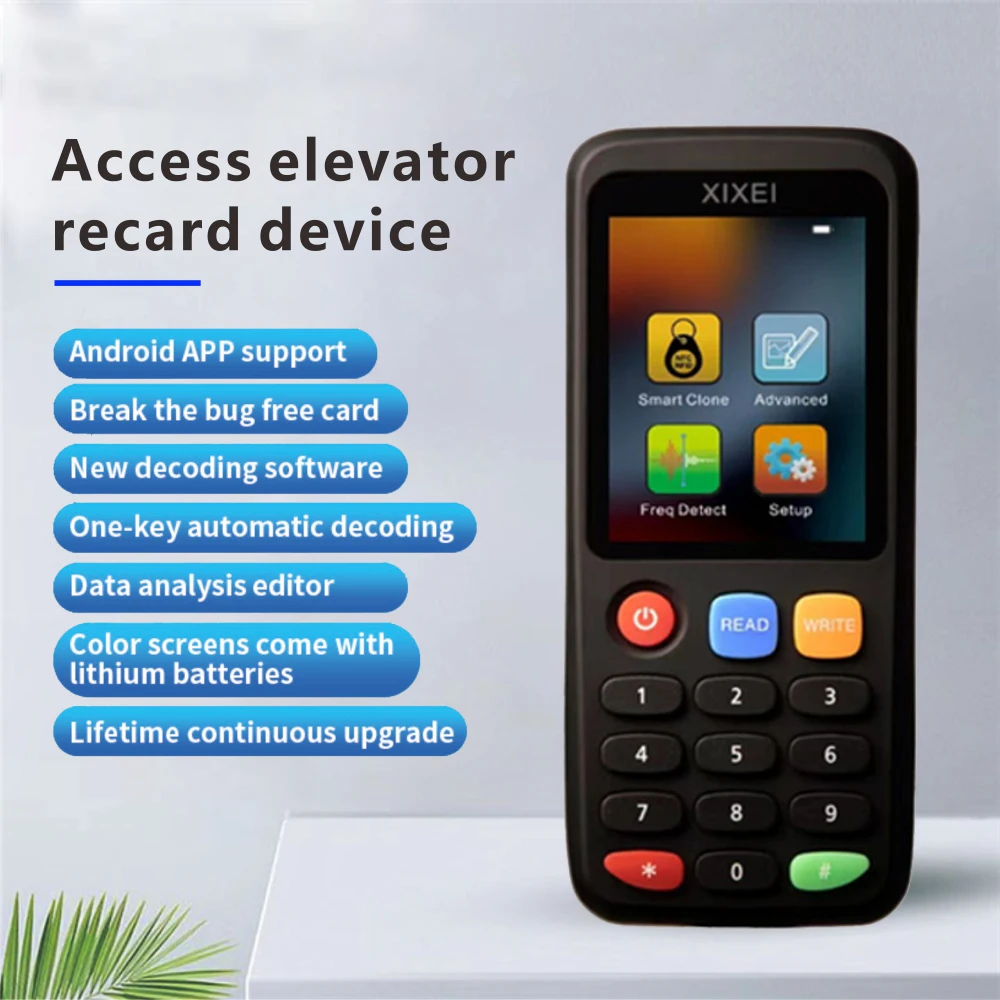
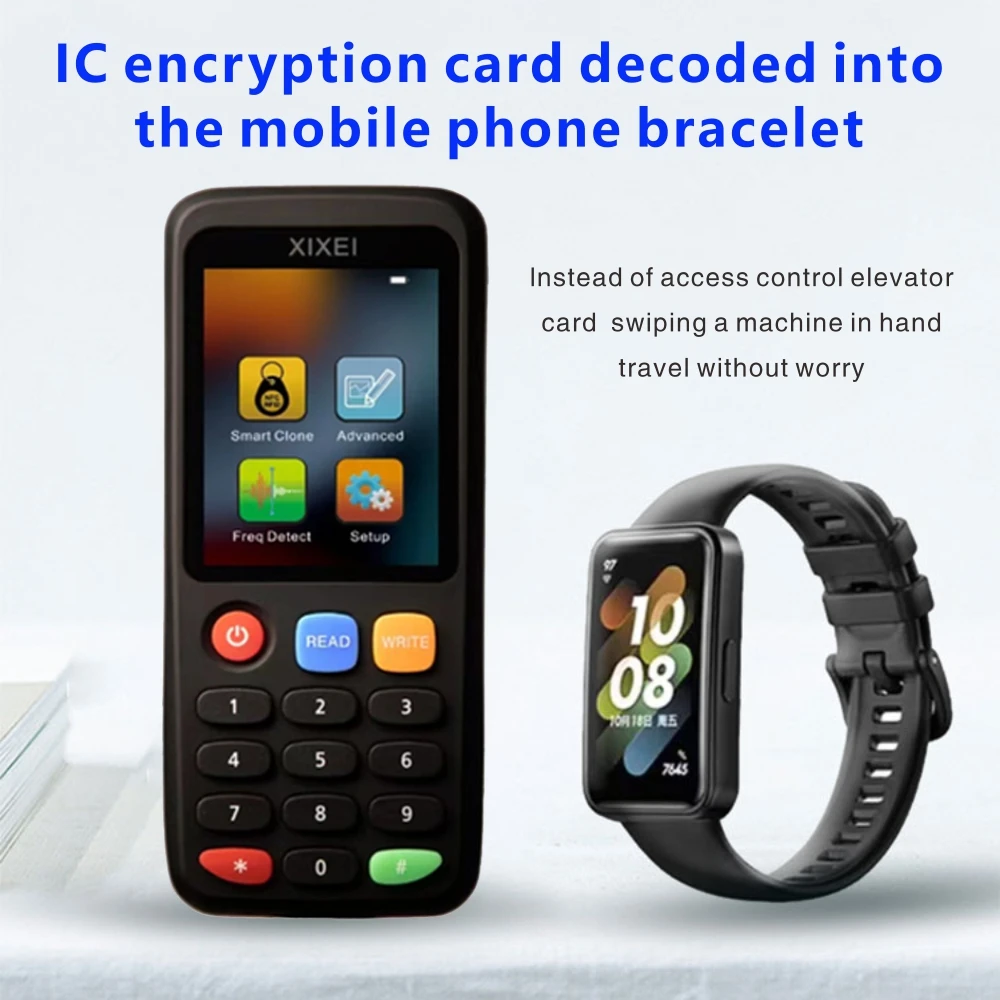
X7 RFID Smart Chip Card Reader Writer Access Card Copier 125KHz 13.56MHz Badge Token Tag Clone NFC Decoder Duplicator
X7 RFID Smart Chip Card Reader Writer Access Card Copier 125KHz 13.56MHz Badge Token Tag Clone NFC Decoder Duplicator
Couldn't load pickup availability
SPECIFICATIONS
Brand Name: NONE
Certification: CE
Choice: yes
High-concerned chemical: none
Interface: USB
Model Number: x7
Origin: Mainland China
Type: ic
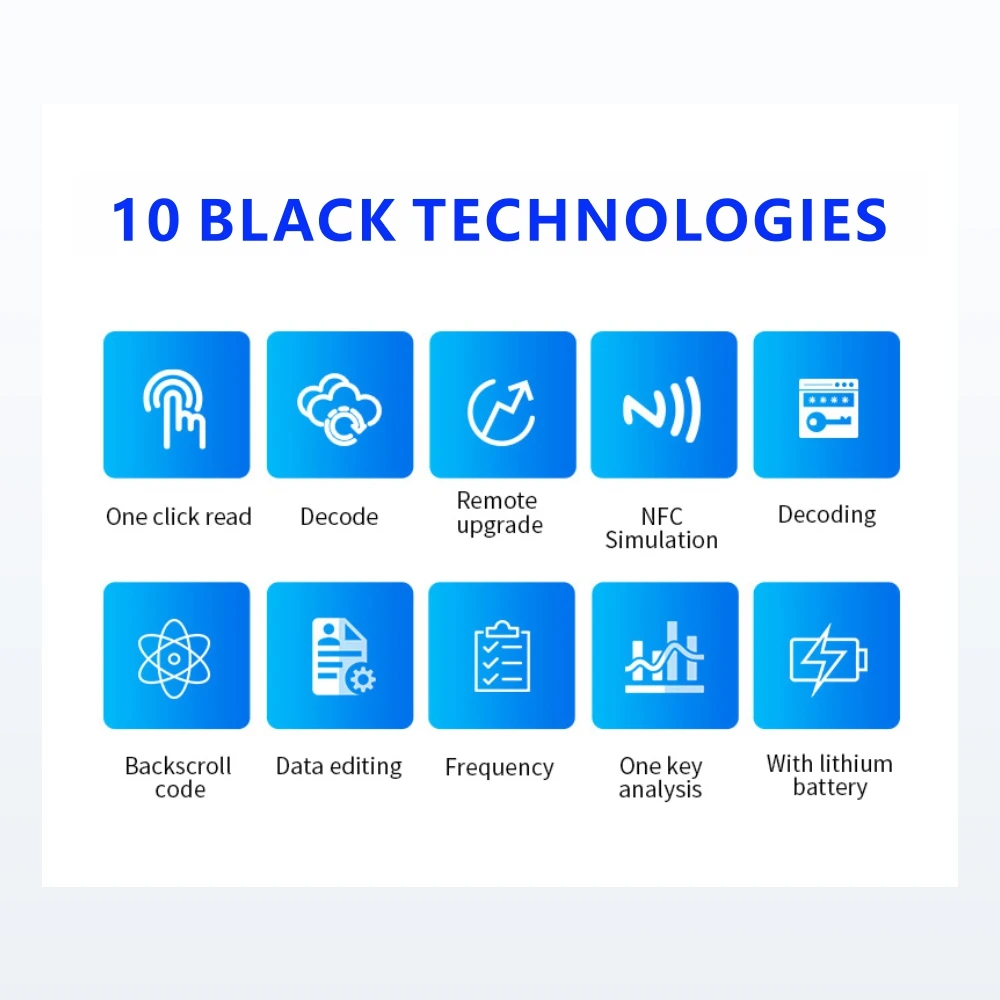
Note: Decryption is supported but not all, and those with higher encryption levels need to buy machines with higher decryption levels!
This product is not suitable for bank cards! !
Not all cards can be decrypted successfully
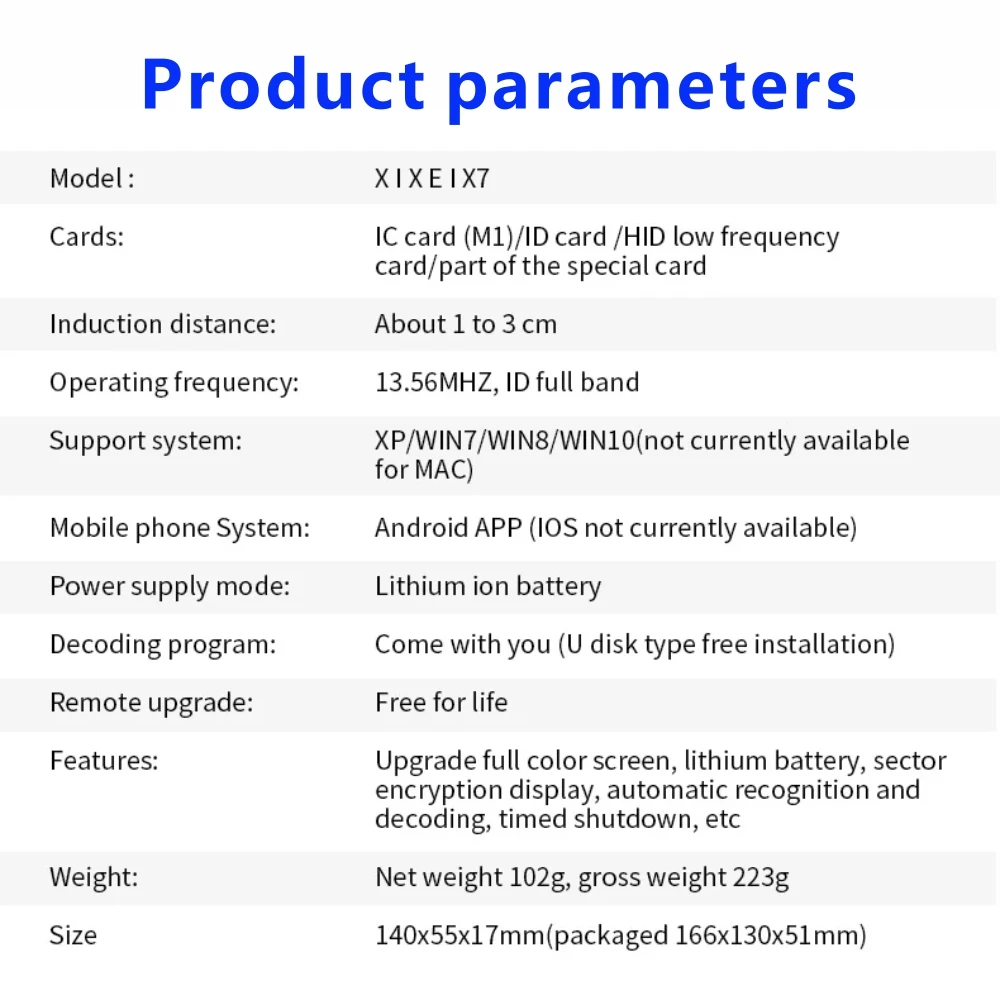
Product name: Smart card reader
Model number: X7
Power supply: Use Type-C interface data cable
Prompt: Display prompt or buzzer prompt tone
Machine operation:
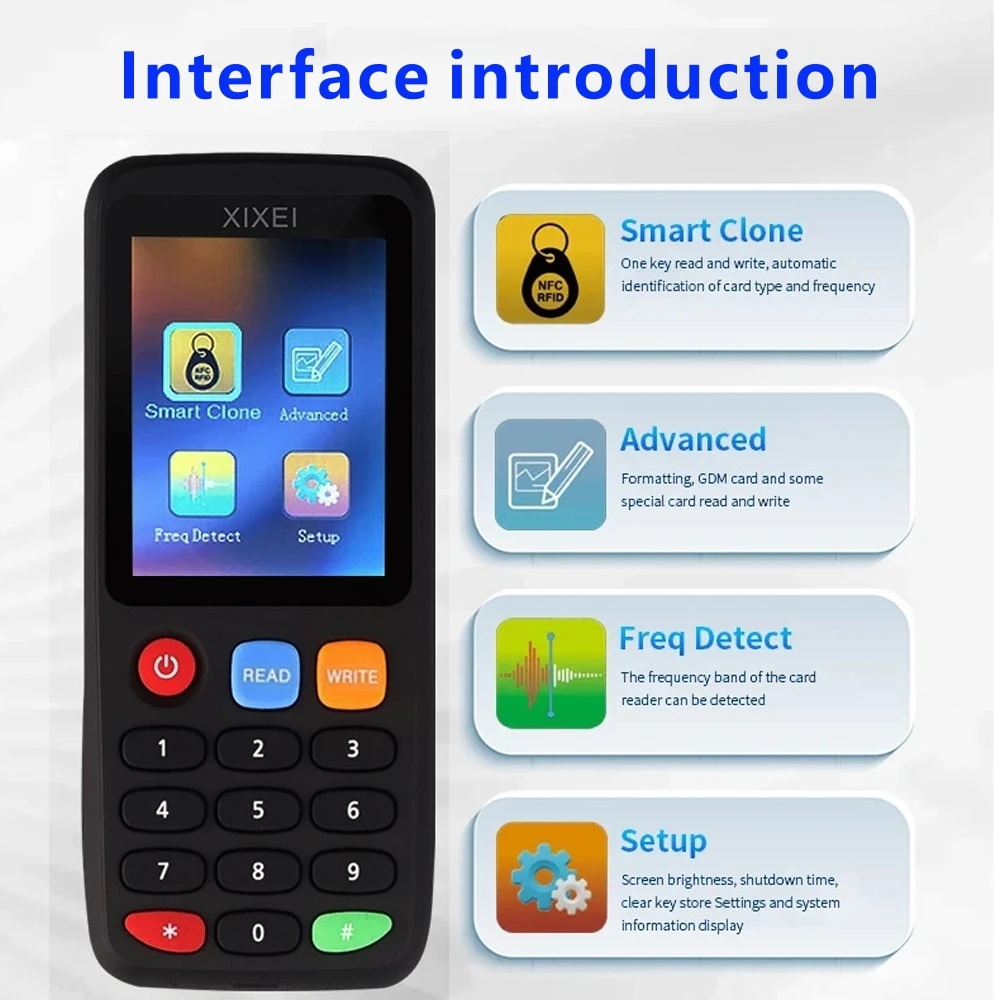
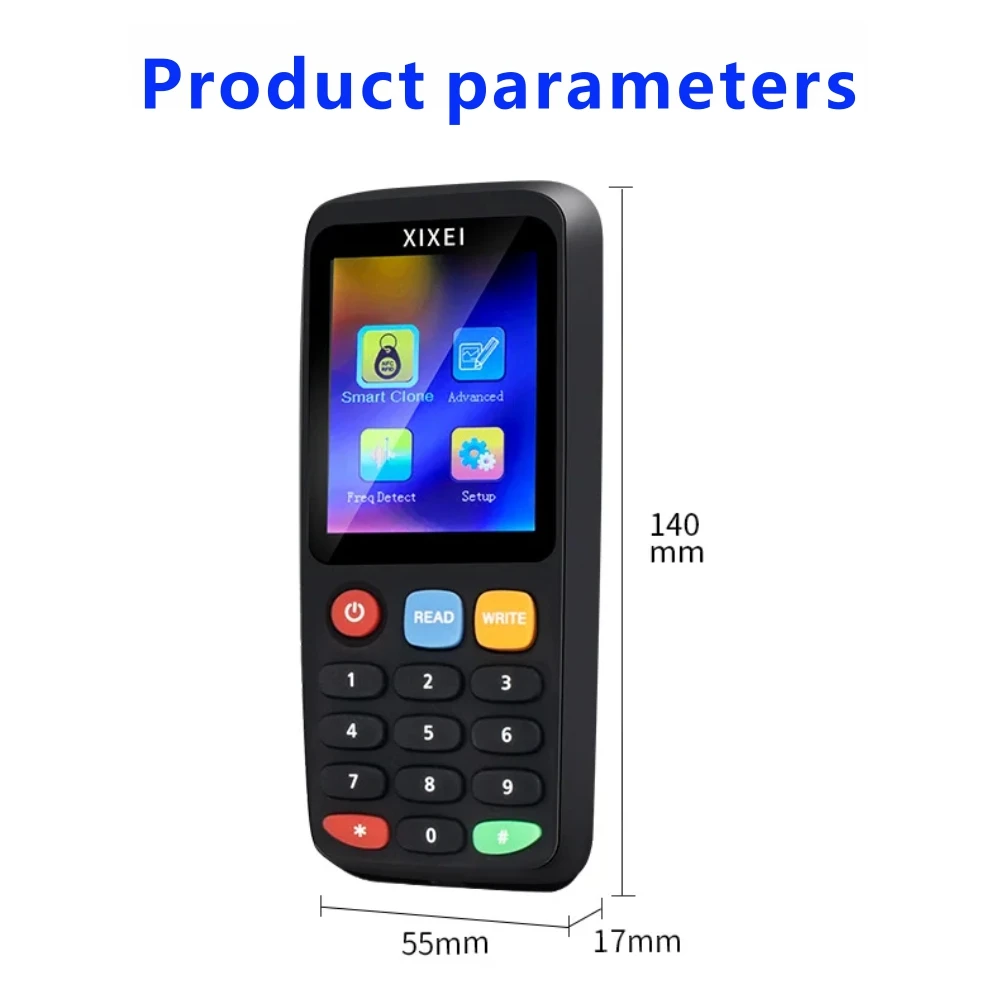
Card reading operation: press the red power button to start up, and press the blue "Read" button as prompted to enter the card reading and writing interface.
Place the card to be copied on the back of the display (card reading area), press the blue "Read" button according to the prompt to automatically read the card, and the card will be read after success
Move to the corresponding card reading frequency interface, with the buzzer "drip" sound of the display screen to indicate the success of reading the card, at this time the card reading success.
Card writing operation: Place the copy card with the corresponding frequency in the machine reading area, press the orange "Write" button as prompted to write the card, and wait for the successful writing of the card. with
With the buzzer "drip" sound, the display prompts to write the card successfully, then write the card successfully.
If the card number is known, you can also directly enter the card number to write the card. After entering the corresponding card number by pressing the numeric key, place the copy card in the machine to read the card area, and press orange to write
The "Enter" button directly writes the card and waits for the display to indicate that the card is successfully written.
When no data cable is connected, the machine will automatically shut down without any operation within 30 seconds by default. You can adjust the time in the system Settings.
ID card reading and writing do not need to connect to the computer or mobile phone software operation, the machine to complete the card reading and writing operations.
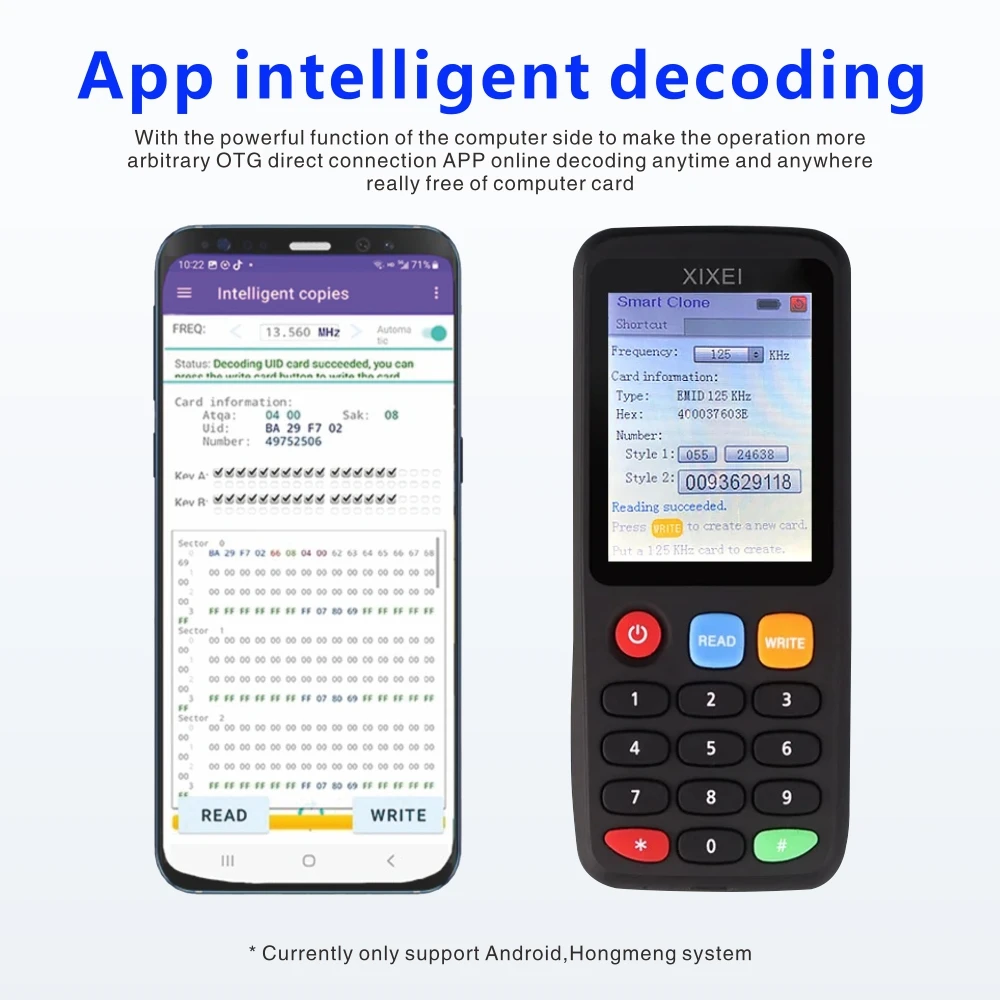
IC card does not need to decrypt the direct machine operation can complete the copy, the machine prompts "encrypted sector, do not recommend to write the card. Please write the card after online decoding "can be connected
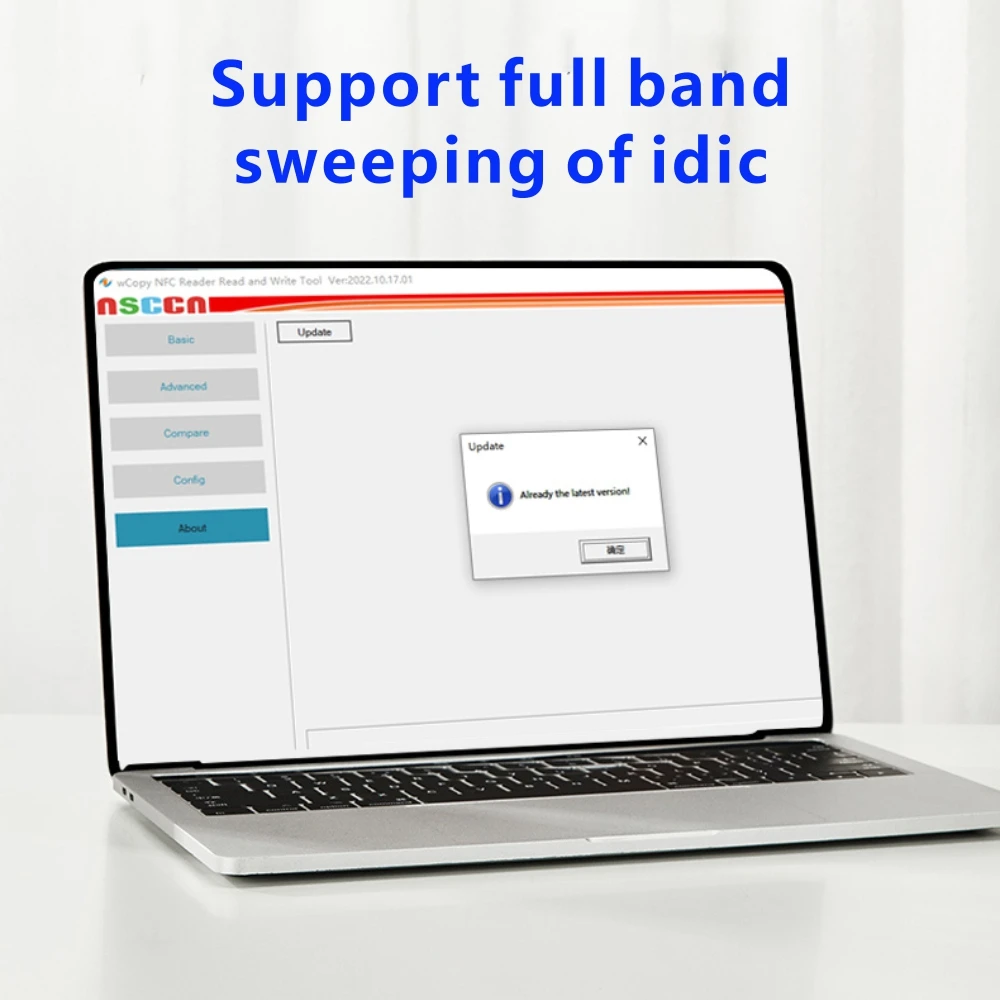
Mobile phone or computer software for decoding operation.