


FLIPSTYLEZLLC
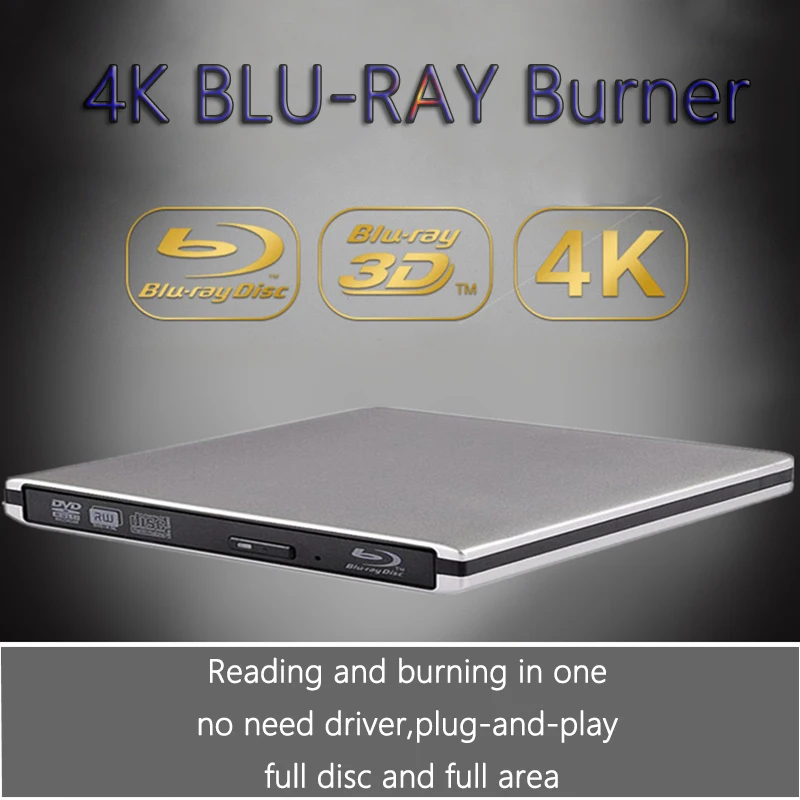
UHD 4K Blu-Ray Burner USB3.0 External Optical DVD Drive 3D Blu-Ray Player Recorder BD-RE/ROM Compatible with Windows/MAC OS
UHD 4K Blu-Ray Burner USB3.0 External Optical DVD Drive 3D Blu-Ray Player Recorder BD-RE/ROM Compatible with Windows/MAC OS
Couldn't load pickup availability
SPECIFICATIONS
Application: Desktop,Laptop,External
Brand Name: CENULIN
Cache Capacity: 2MB
Certification: CE
Choice: yes
Disc Loading Mode: Tray Type
Disc Standard: DVD+ RW
Drive Type: BD-RW
Error Correction Function: Support
High-concerned chemical: none
Installation Method: External
Interface Type: SATA
Maximum DVD Burning Speed: 8x
Model Number: ODP95-4K
Origin: Mainland China
Package: Yes
Recording Format: DVD+ RW
Type: Blu-ray Burner
External 4K Blu Ray Burner/Writer/Recorder USB 3.0 DVD Writer
Description:
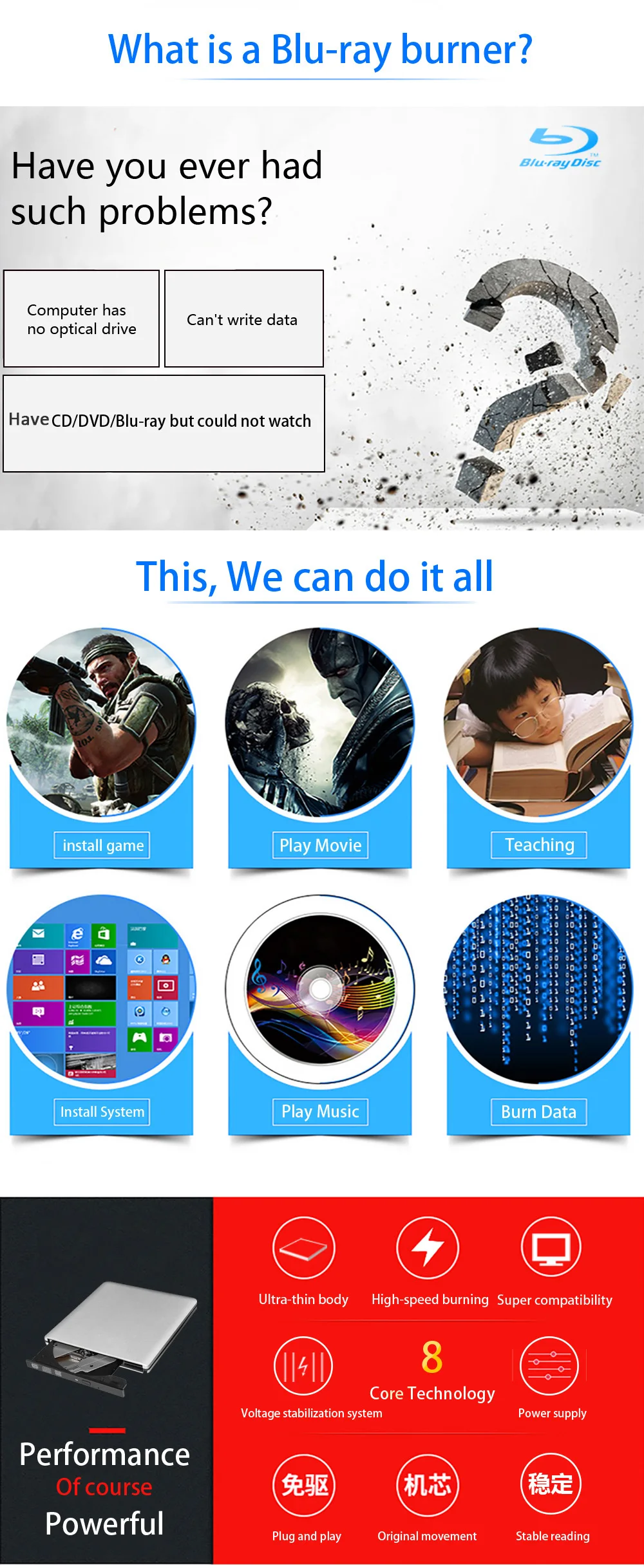
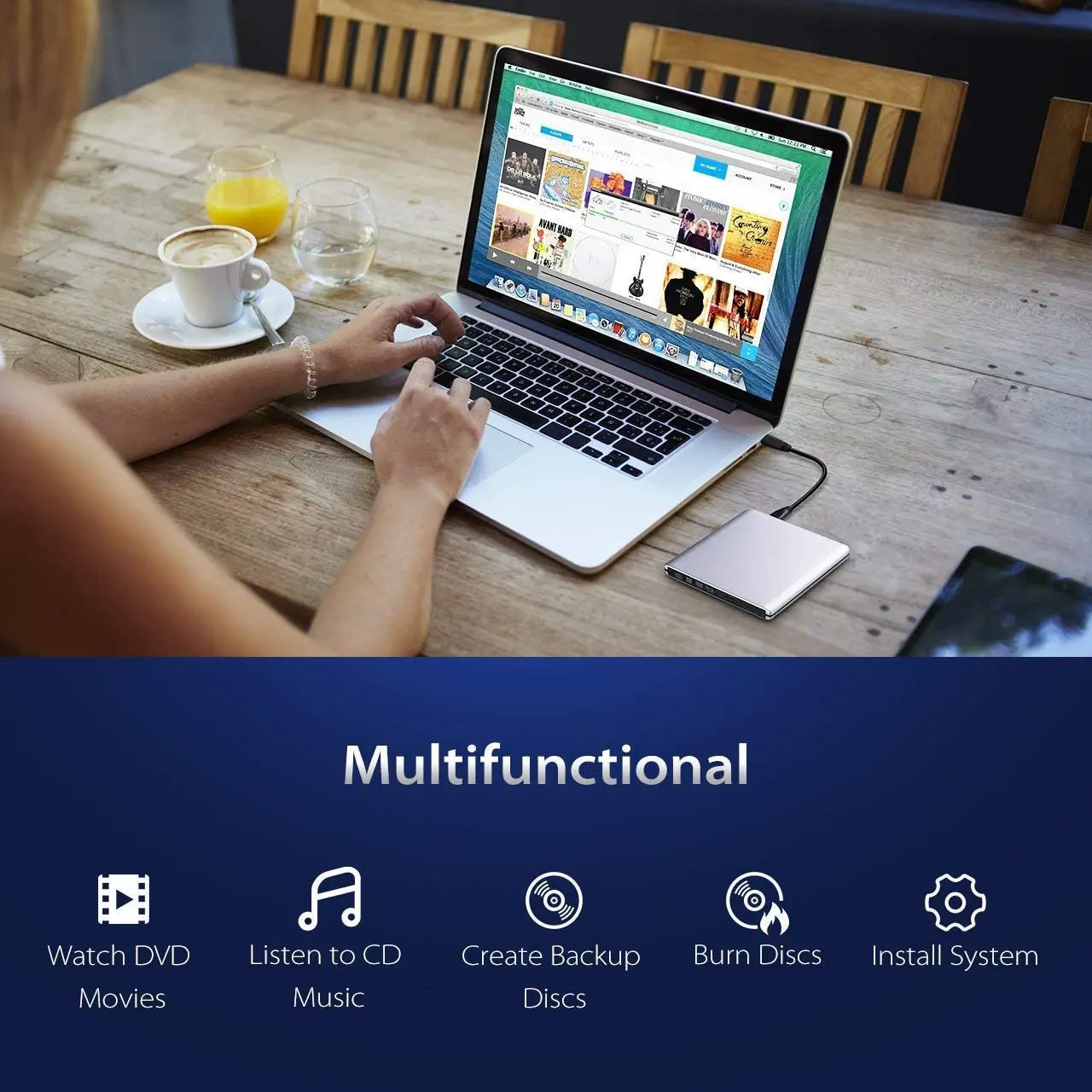
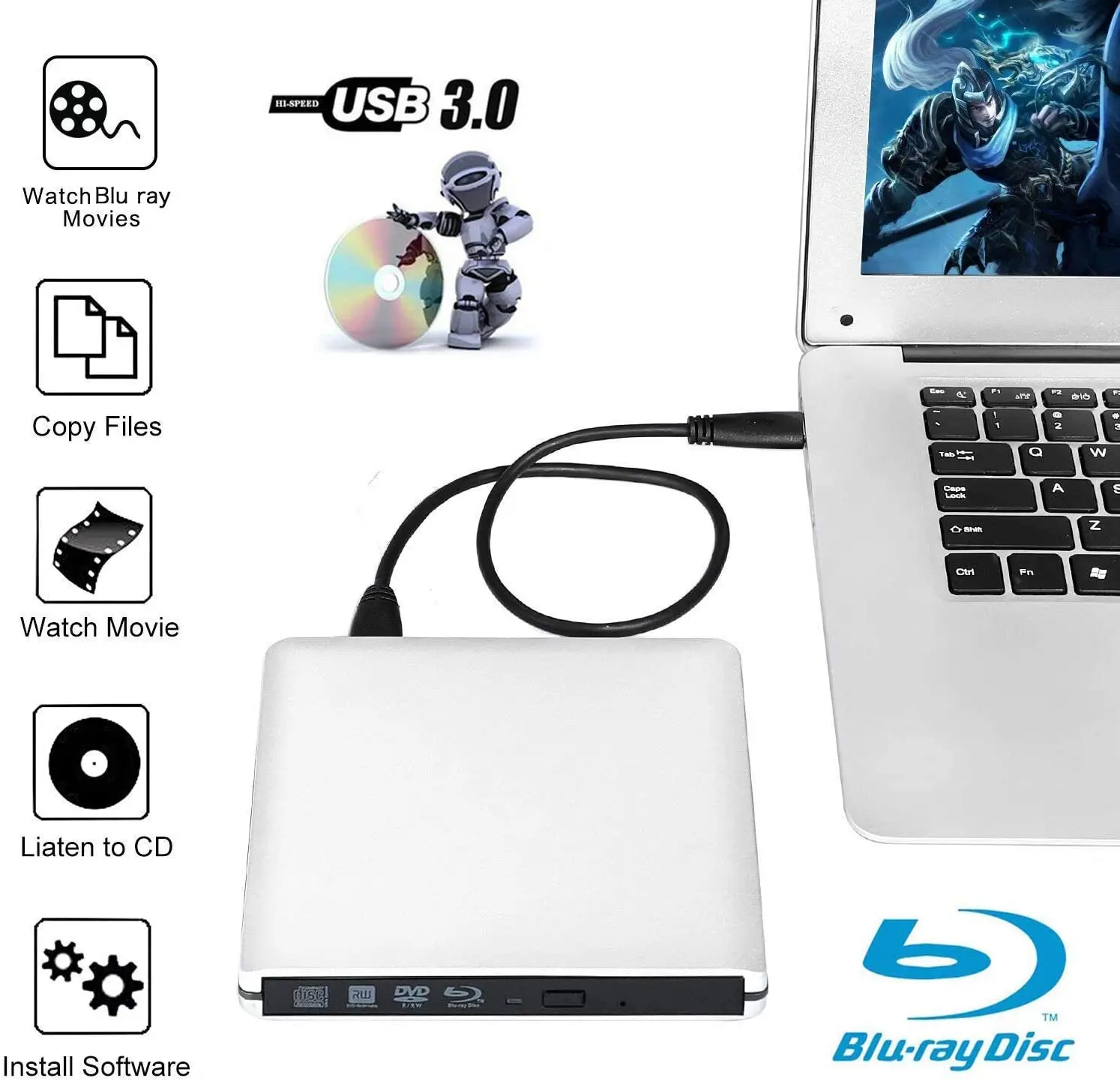
The External Slim Aluminum Blu-ray Drive is designed to help you quickly read and burner CDs, DVDs and Bluray Discs(BD).
No additional software drivers are needed, supports plug and play, this portable external DVD reader lets you instantly watch DVDs and create regular CDs with your laptops and desktops.
Specifications:
Interface:USB3.0
Material: Aluminum
Type of loading: Tray load
Installation: External
Buffer size:2MB
Support disk format: 8CM,12CM
Resolution: up to 3840×2160
Unit size: 150x140x11mm
Size: 21x17.5x3mm
Weight:400g
Voltage:DC5V+/-0.25V
Readable Format:
CD: VCD,CD-ROM,CD-R,CD-RW
DVD:DVD-ROM,DVD-R,DVD-R DL,DVD-RAM
DVD-RW,DVD+R, DVD+R DL,DVD+RW
BD: BD-ROM,BD-R,BD-RE
Features:
• 【High Speed Transmission】USB3.0 Connector cables,Support Maximum burn speeds of 6x for BD-R, 8x for DVD-R/+R and 24x for CD-R, maximum read speeds of 6x for BD-R, 8x for DVD-R/+R and 24x for CD-R.
• 【UHD 4K Quality】The drive support 4K Ultra HD Discs,this external Blu-ray drive supports 3D playback, allowing you to enjoy real 4K quality.
• 【Aluminum Portable Design】External Blu-ray drive comes with an eject button on the front, a stylish indicator light and Aluminum alloy shell, Rugged,refined and Organized!
• 【Burning Technology】The external Blu-ray burner features a larger storage capacity and faster reading and recording speeds. It supports burning capabilities for 8.5G, 4.7G, and 700M CDs and DVDs. The advanced high-speed 3.0 interface of the burner has strong error correction ability, impact resistance, low noise, and low power consumption.
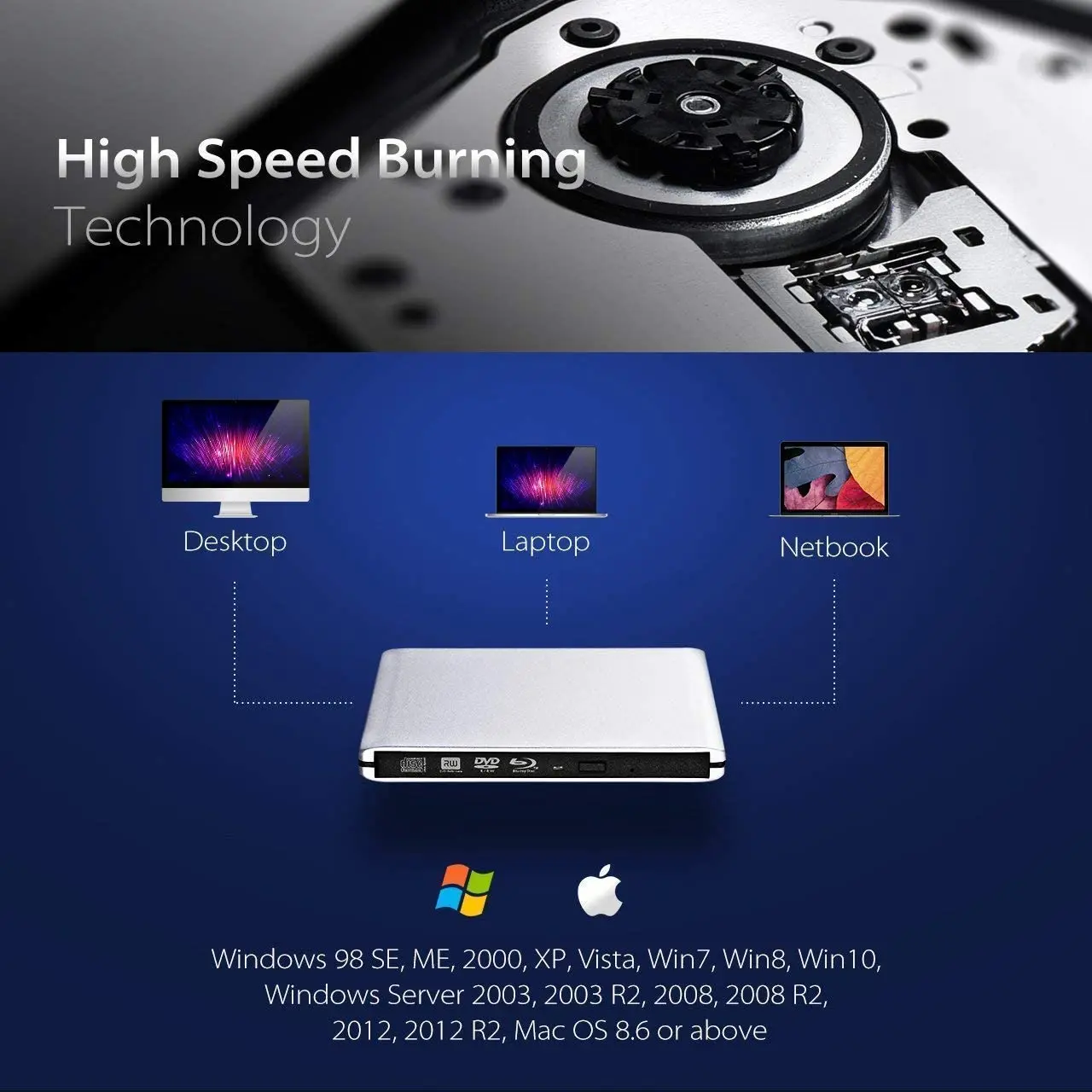
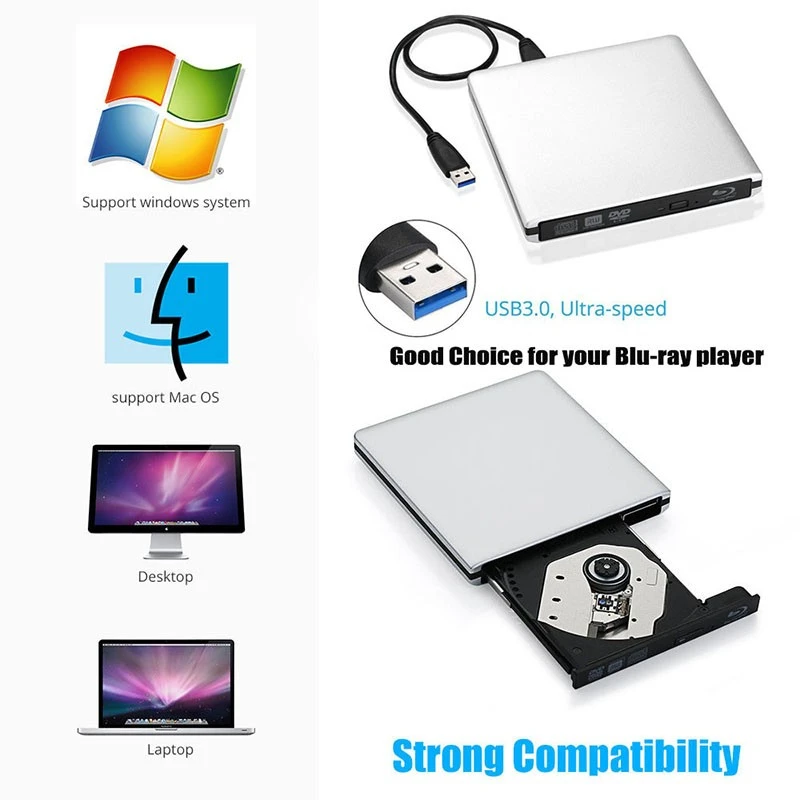
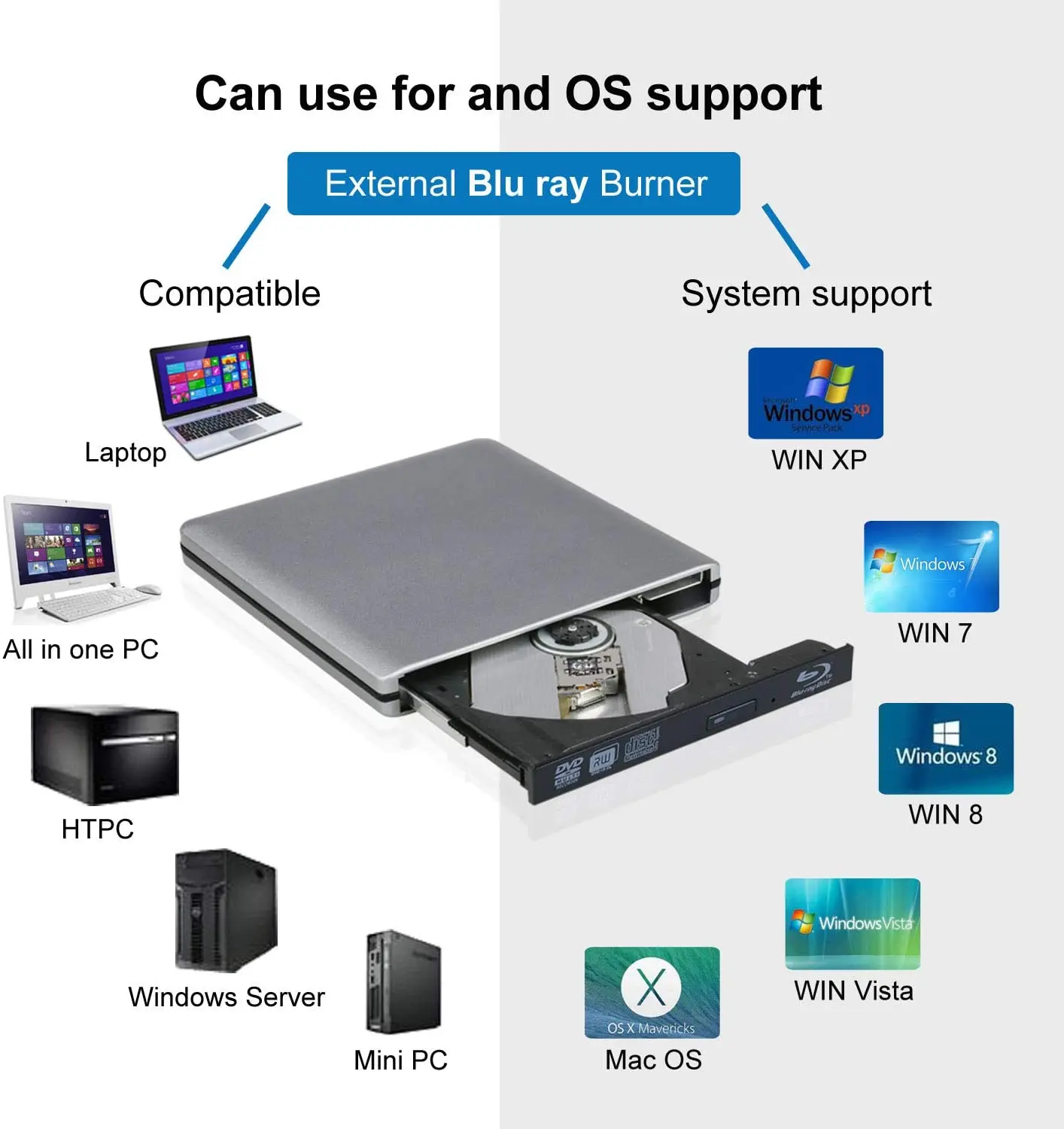
• 【Wide Compatibility】The USB 3.0 Blu-ray drive is compatible with various operating systems, including Windows XP/2003/Vista/7/8/10, Linux, and all versions of the Mac OS system. It is perfect for laptops, desktops, and Macbooks without a built-in optical drive.
• 【Easy to USE】No need to install drive programs. just plug the Blu-ray drive into your computer USB interface, it will recognize and read Disc . if you need write/record/burner BD/DVD/CD Disc, you need install Software(e.g BurnAware Free)
NOTICE:
✦ Connect your device to the direct USB port on your computer. If you connect it to a USB hub or extension, you may not be able to recognize the drive or read the CD/DVD.
✦ For desktops, connect the device to the motherboard's USB port for normal use.
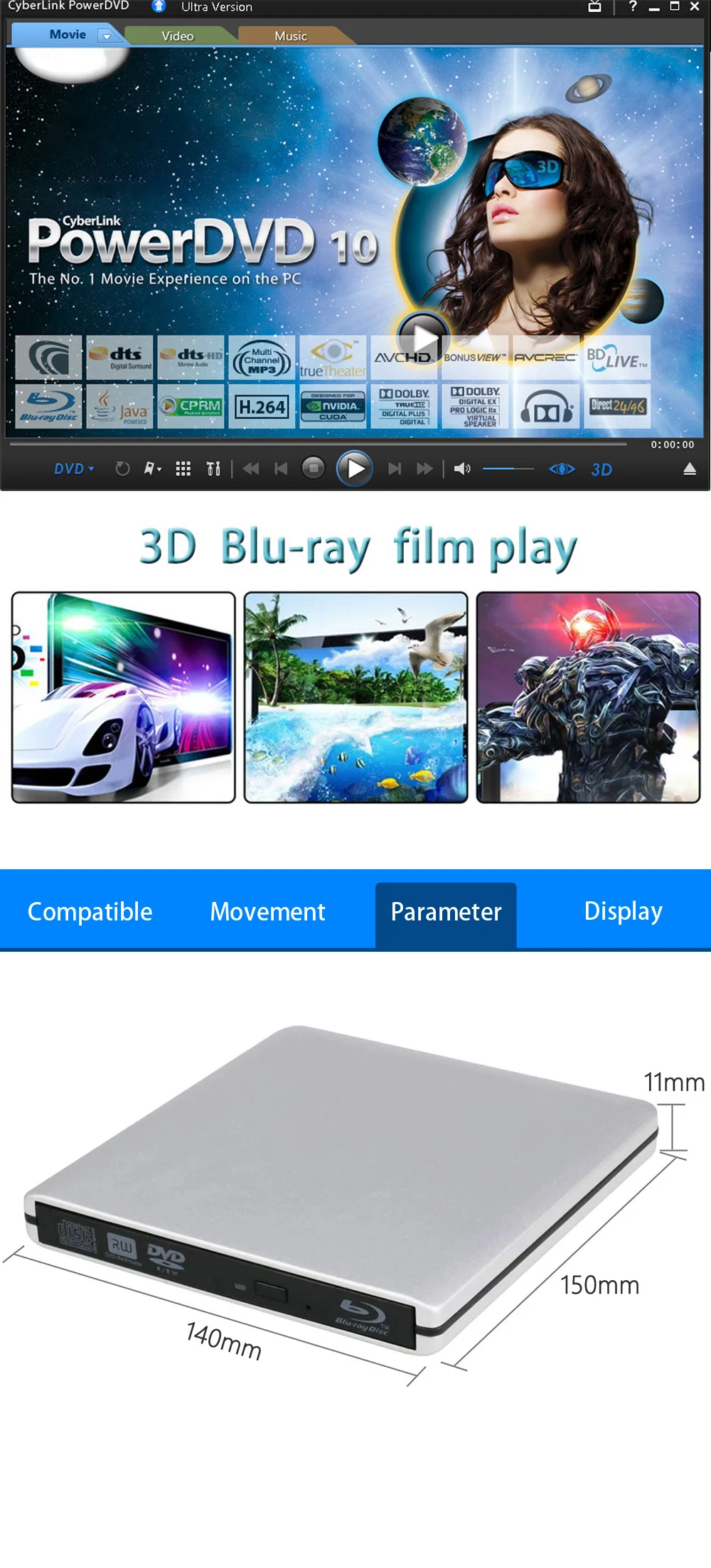
✦ Before using a CD-ROM drive, make sure your computer has a "media player",the player must support Blu-ray format, (e.g. PowerDVD), when playing Blu-ray discs.
✦ NOT support to used in the tablets, like Surface Series(Due to low voltage condition in some tablets).
✦ To play 4K videos, please ensure that your computer, player, and monitor all support 4K resolution
Package:
1*Blue ray optical drive
1*user manual
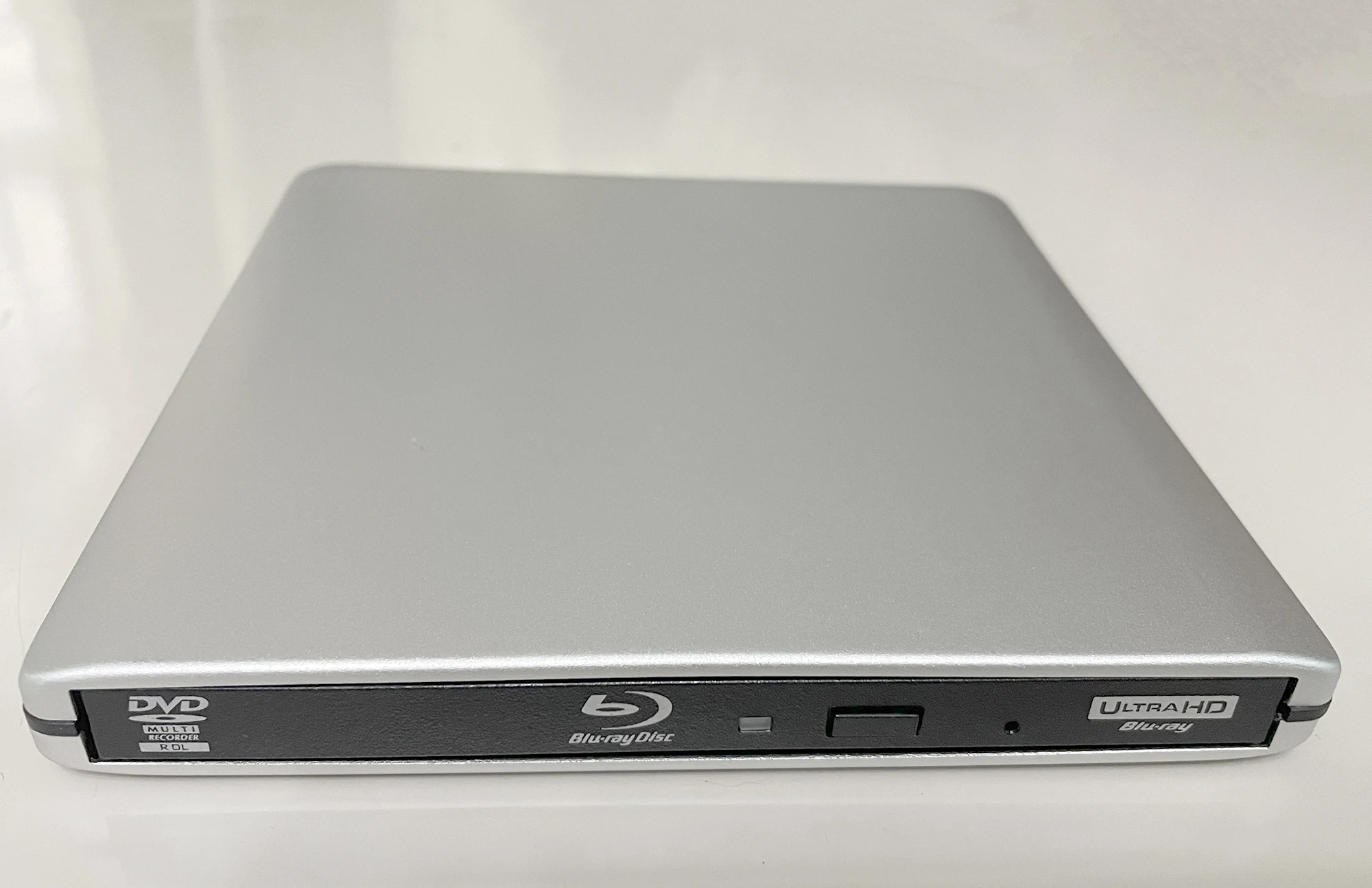
Real Photo
FAQ
---1. Why can't it read my Blu-Ray disc?
Pls make sure that your disc is not blocked,copyrighted Blu-Ray discs has Zone bit code protection.You need to download the shielding software any DVD to decode the zone bit code.
---2.After connect to my computer,,why can't my computer show this blu ray driver?
pls make sure that your computer is enough power , for desktop,pls plug USB cable directly to the USB interface of the motherboard behind.For Laptop, pls make sure laptop is enough power and you can try to restart the computer after plugging blu ray driver.
---3.Why can't disc tray normally be ejected?
If it is a noteboook,it maybe due to insufficient power .You need supply power for notebook.You can aloso force it to open with a small needle.
---4.Why can't it show my blu ray disc after put it in to driver?
Ensure the disc is paved in the tray and the disc is successfully pressed into the tray slot. Don't reverse the disc.Check if it has virtual drive on your computer,sisable virtual drive.
---5.When playing disc , it is very noisy, is it a little problem?
There are som ble ray disc that are thicker than normal discs and will be too noisy during operation ,this is normal.You can try other small thin discs, it is more quiet.
---6.My Win10 system can't recognize it , what should I do?
You can try to update your USB driver.
---7. Why can't it burn normal DVD CD?
You need use proessional burning software, suggest to use software :BurnAware Free.Other many burning software compatibility is low , don't suggest to use.


