


FLIPSTYLEZLLC
Hoot High-tech Micro Intelligent NFC Nail Ic Chip Healthcare Device Smart Nail NFC Chip Smart Wearable Gadget No Charge Required
Hoot High-tech Micro Intelligent NFC Nail Ic Chip Healthcare Device Smart Nail NFC Chip Smart Wearable Gadget No Charge Required
Regular price
$141.00 USD
Regular price
$0.00 USD
Sale price
$141.00 USD
Unit price
per
Taxes included.
Shipping calculated at checkout.
Couldn't load pickup availability
SPECIFICATIONS
Application Age Group: Adult
Brand Name: Letter Drive
Electric: N
Function: Passometer,fitness tracker,sleep tracker,Message Reminder,Call Reminder,Remote control
High-concerned chemical: none
Material: Copper
Origin: Mainland China
Type: Wrist Strap
Product Description
Hoot High-tech Micro Intelligent NFC Nail Ic Chip Healthcare Device Smart Nail NFC Chip Smart Wearable Gadget No Charge Required
[ Selling point]
---------------------------
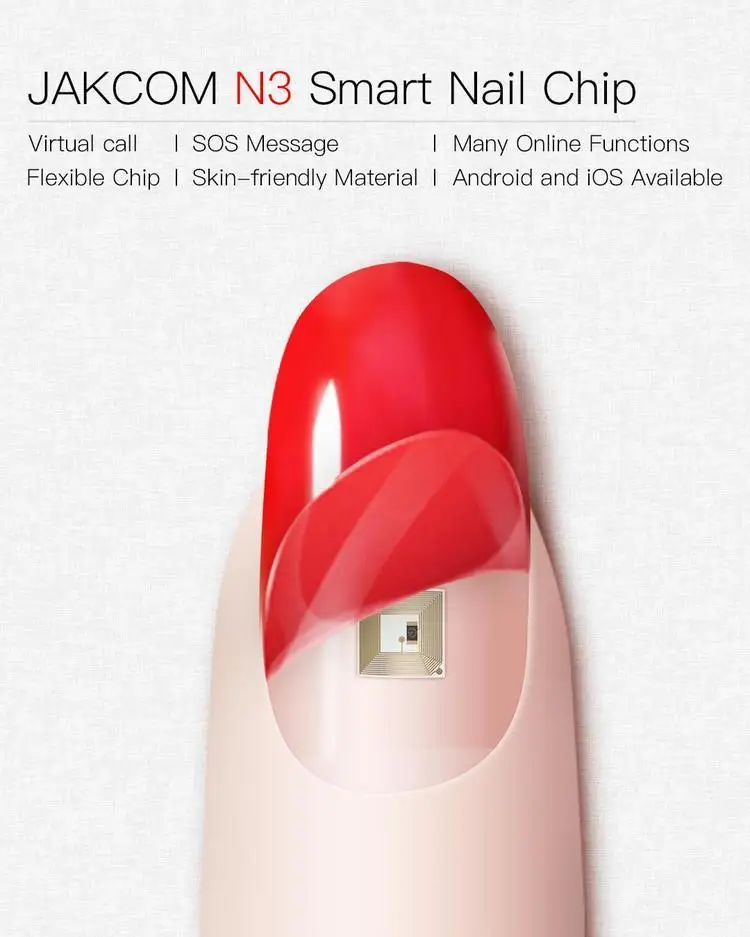
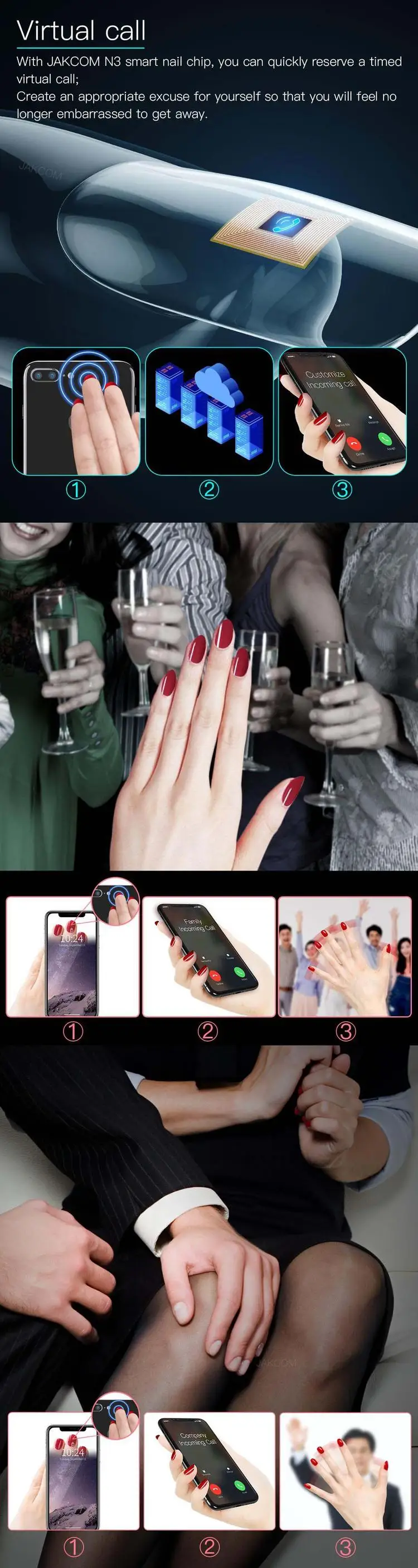
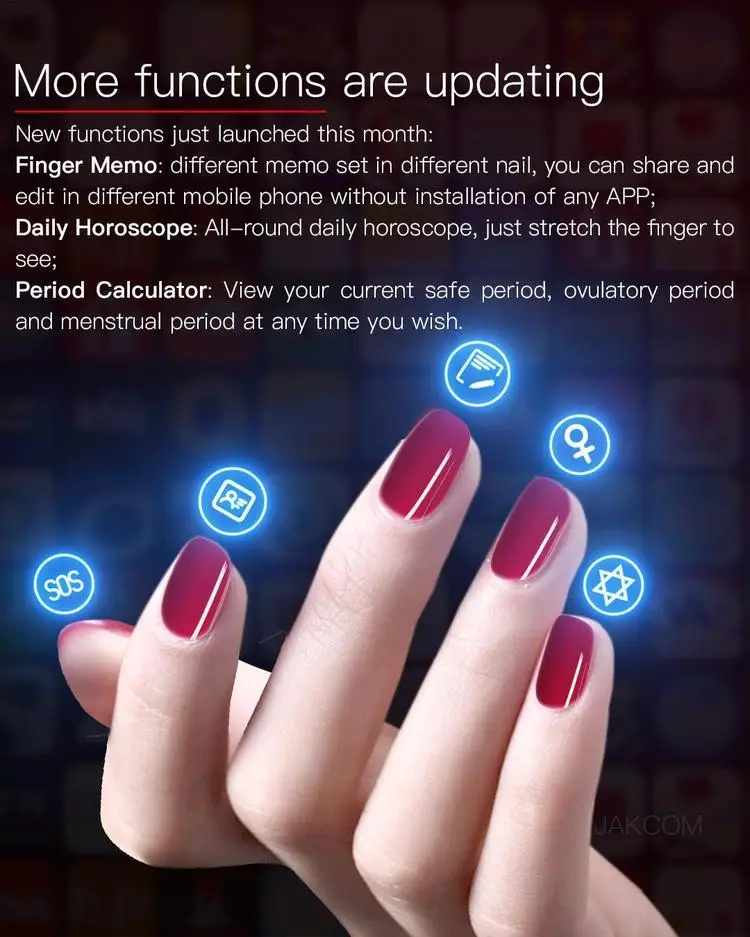
Virtual call;
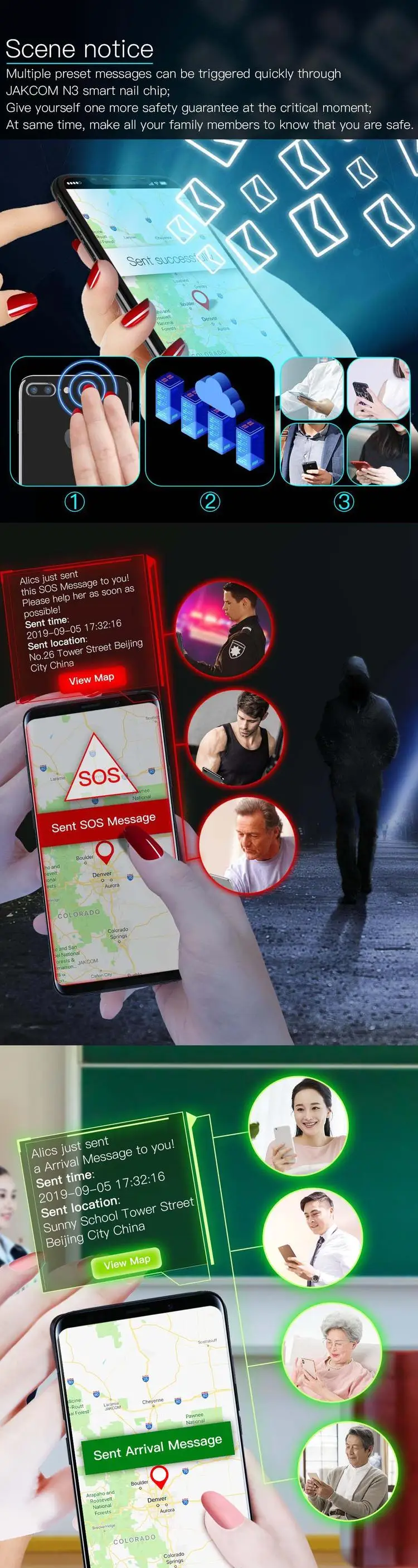
SOS Message;
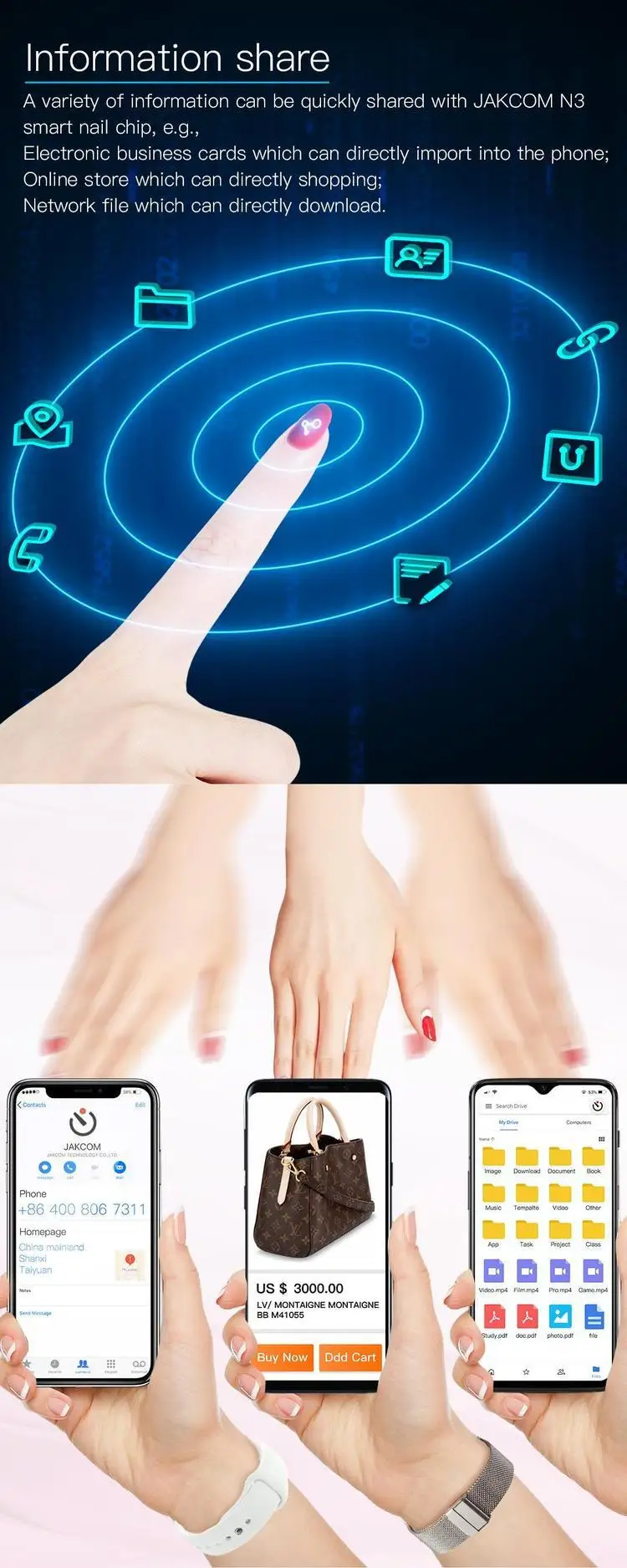
Many Online Functions;
Flexible Chip;
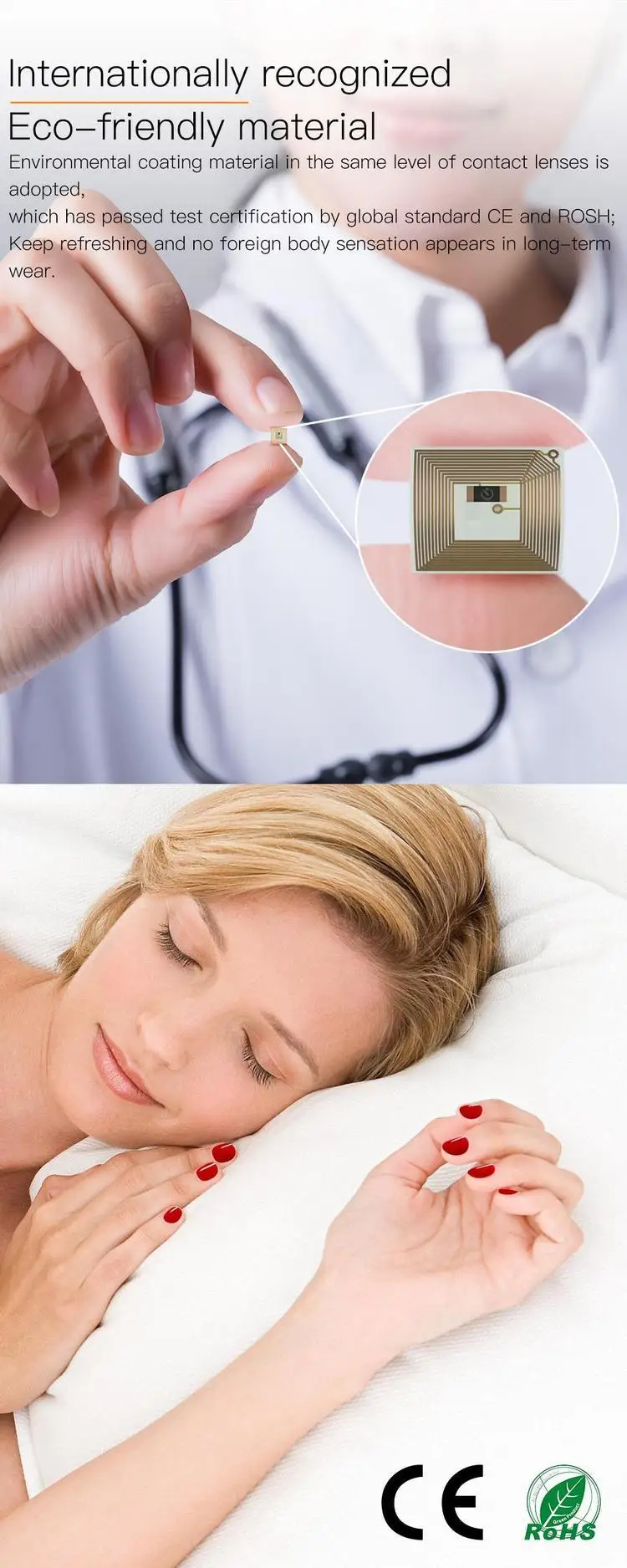
Skin-friendly Material;
Android and iOS Available;
[Product introduction]
---------------------------
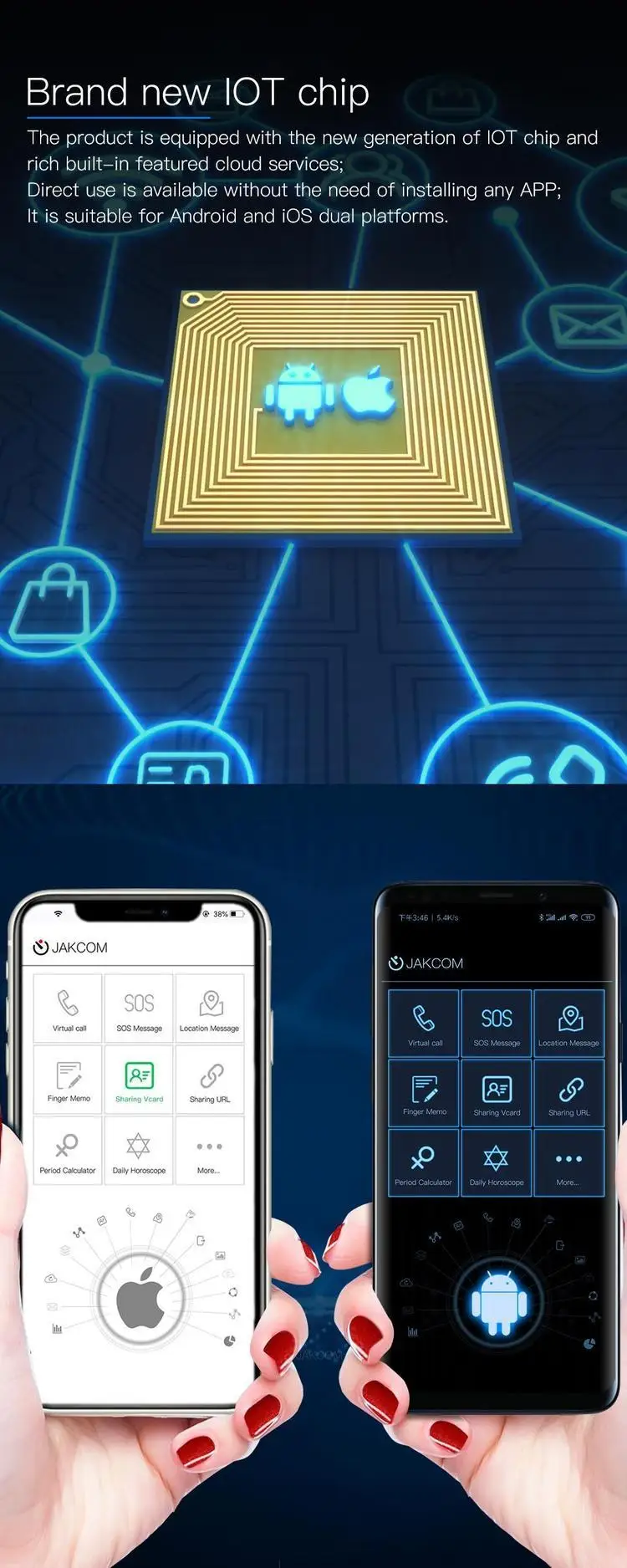
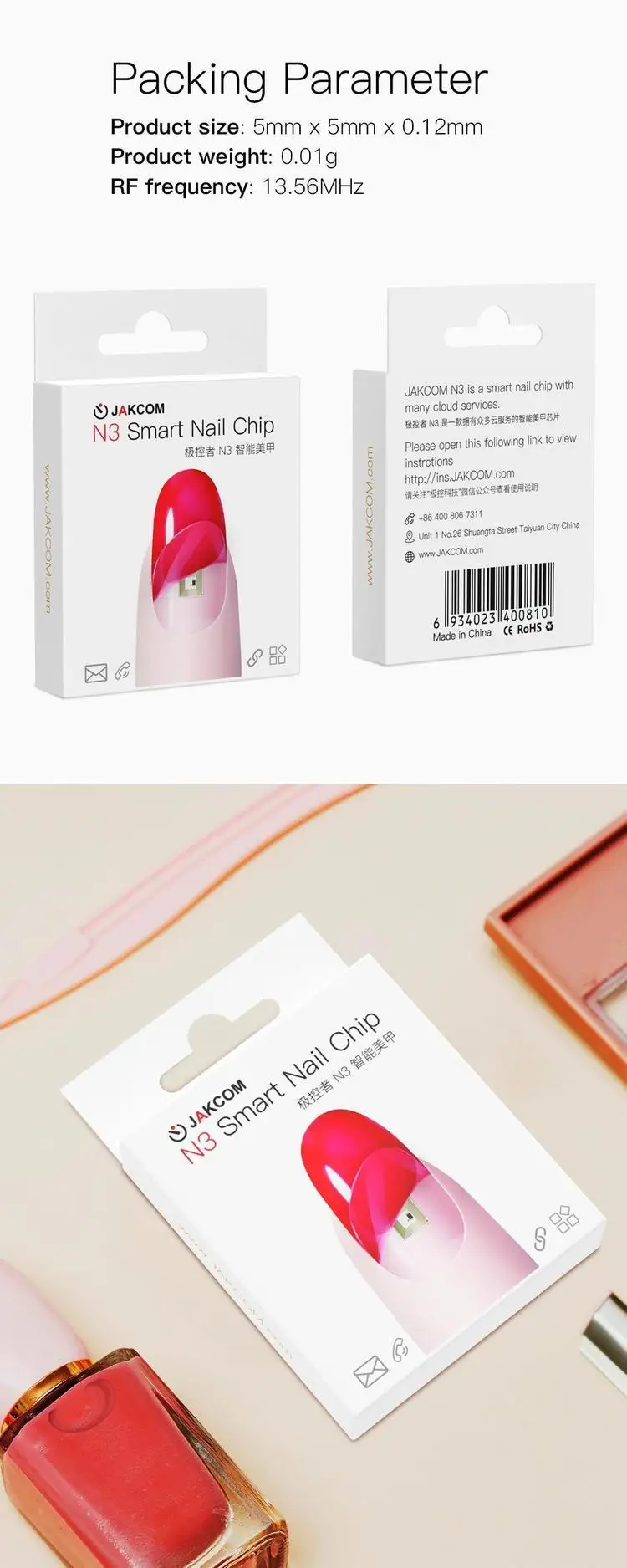
JAKCOM N3 is a radio inductive finger nail chip;
Start the built-in characteristic functions by touching the NFC inducing area of cellphone.
[Feature introduction]
---------------------------
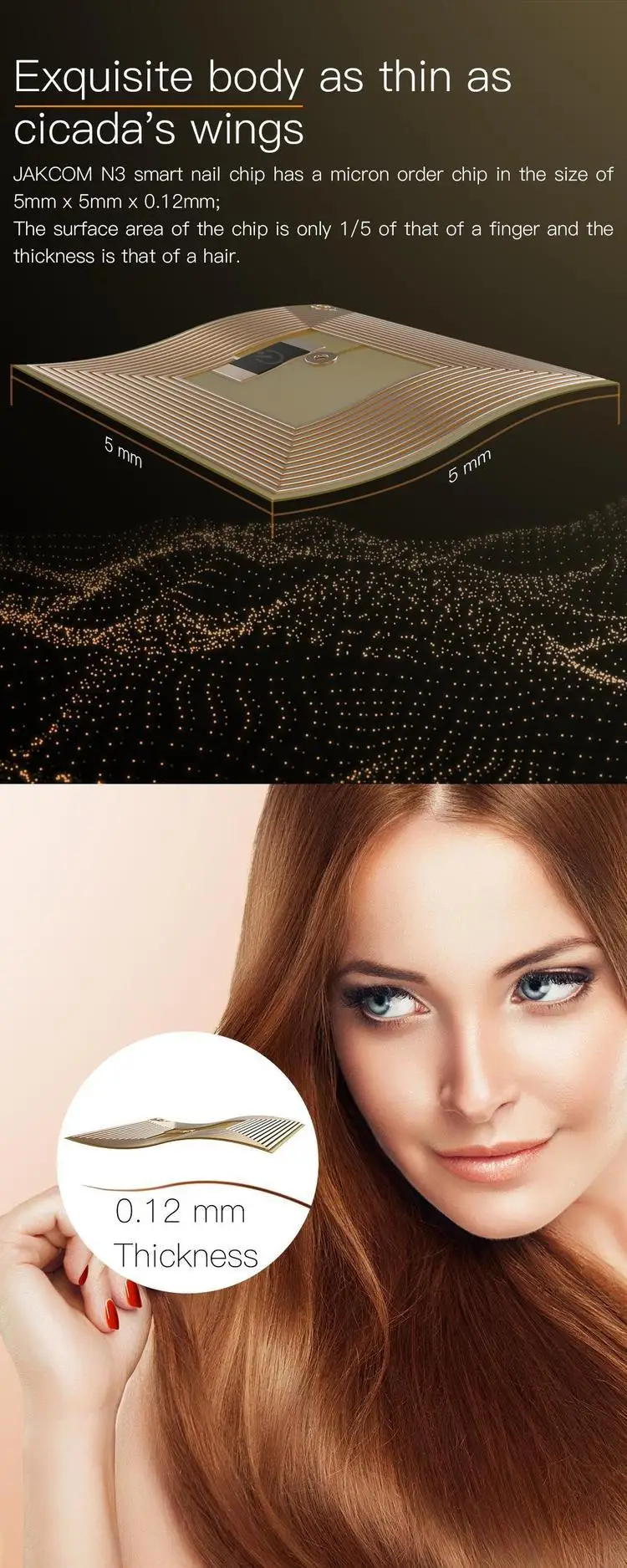
Exquisite body as thin as cicada's wings
JAKCOM N3 smart nail chip has a micron order chip in the size of 5mm x 5mm x 0.12mm;
The surface area of the chip is only 1/5 of that of a finger and the thickness is that of a hair.
---------------------------
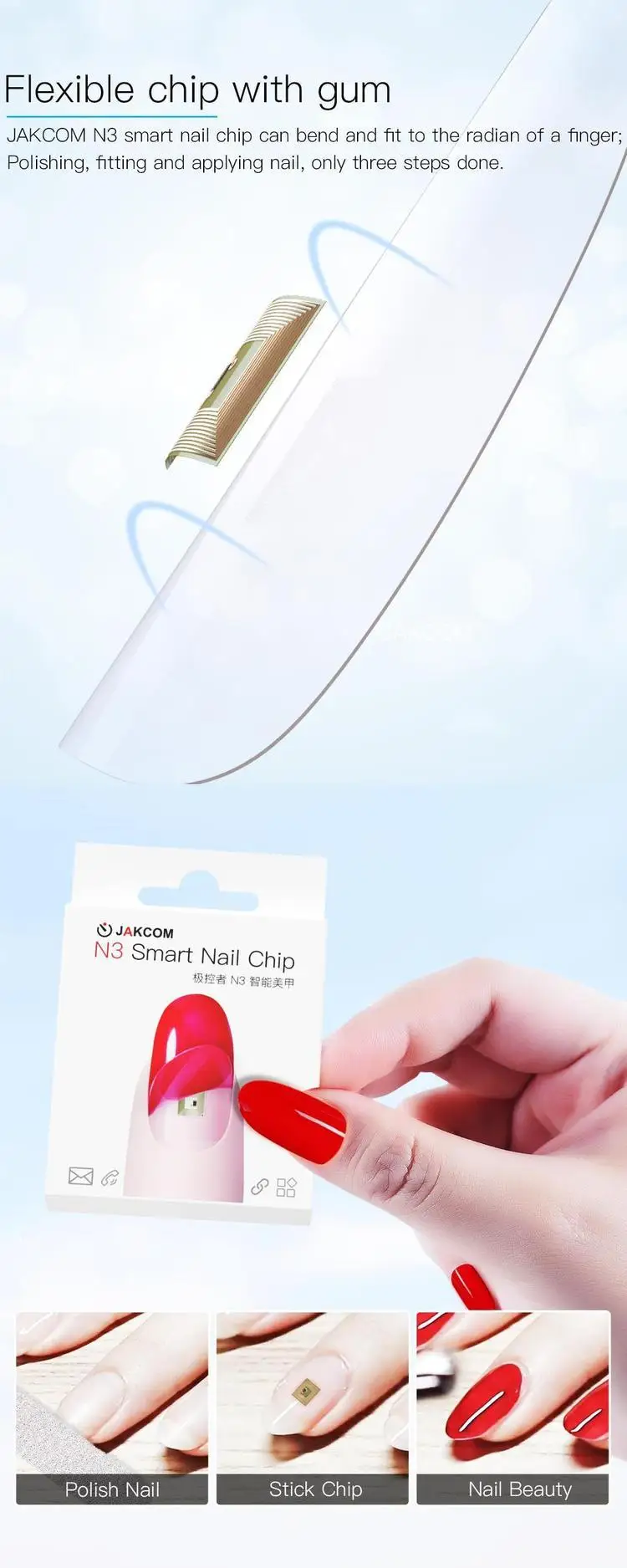
Flexible chip with gum
JAKCOM N3 smart nail chip can bend and fit to the radian of a finger;
Polishing, fitting and applying nail, only three steps done
Guide
1. Open the Facebook APP;
2. Search "JAKCOM.com" and follow this Page;
3. Enter the JAKCOM.com Page;
4. Click the "Sign Up" button;
5. Click the "Add Device" button;
6. Input the activation code;
7. Click your device name in the list to enter the setting page, and select the function what you want to use;
2. Search "JAKCOM.com" and follow this Page;
3. Enter the JAKCOM.com Page;
4. Click the "Sign Up" button;
5. Click the "Add Device" button;
6. Input the activation code;
7. Click your device name in the list to enter the setting page, and select the function what you want to use;
View full details


