FLIPSTYLEZLLC
P48 Wireless Game Controller | Six-Axis Motion & Dual Vibration | PS4, PS3 & Windows 7–10
P48 Wireless Game Controller | Six-Axis Motion & Dual Vibration | PS4, PS3 & Windows 7–10
Couldn't load pickup availability
P48 Wireless Game Controller | Six-Axis Motion & Dual Vibration | PS4, PS3 & Windows 7–10
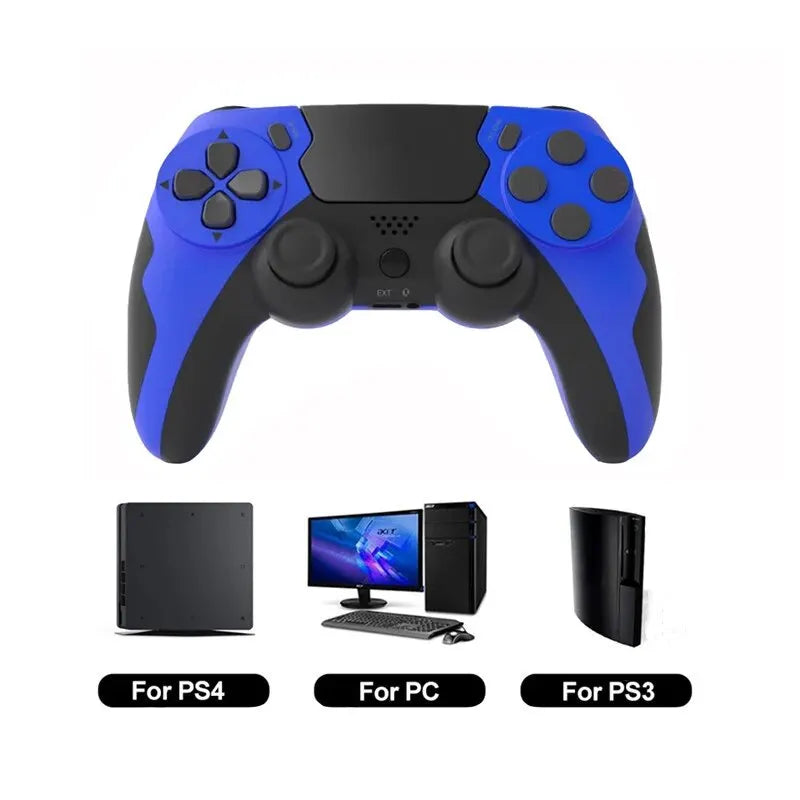
Bring motion controls and vibration feedback to compatible games with the P48 wireless game controller. The supplier lists support for PS4, PS3 and Windows 7, 8 and 10 PCs, with Bluetooth connectivity and a touchpad.
Why You’ll Love It
- Six-axis motion sensing for supported games.
- Dual-motor vibration feedback where supported by the game and platform.
- Touchpad and dual-stick controls in a handheld gamepad layout.
- Included battery and charging cable for wireless play.
Specifications
| Detail | Supplier-Listed Information |
|---|---|
| Model | P48 Wireless Gamepad |
| Platforms | PS4, PS3 and Windows 7, 8 and 10 PCs; setup and feature support can vary by platform and game. |
| Wireless connection | Bluetooth 4.0 |
| Controls | Six-axis motion sensing, touchpad and dual vibration; non-linear triggers are listed. Hall Effect sticks: no. Joystick module listed as POLYSHINE. |
| Battery | Included; listed capacity 600 mAh. Battery chemistry is not specified. |
| Charging input | DC 5 V / 500 mA |
| Operating specification | DC 3.7 V / 20 mA, as listed by the supplier |
| Runtime / charge time | Listed as 8 hours of use and 3 hours to charge; actual times depend on use and conditions. |
| Wireless range / standby | Listed range up to 8 m (about 26 ft), with 50-day standby. These are supplier estimates, not guaranteed results. |
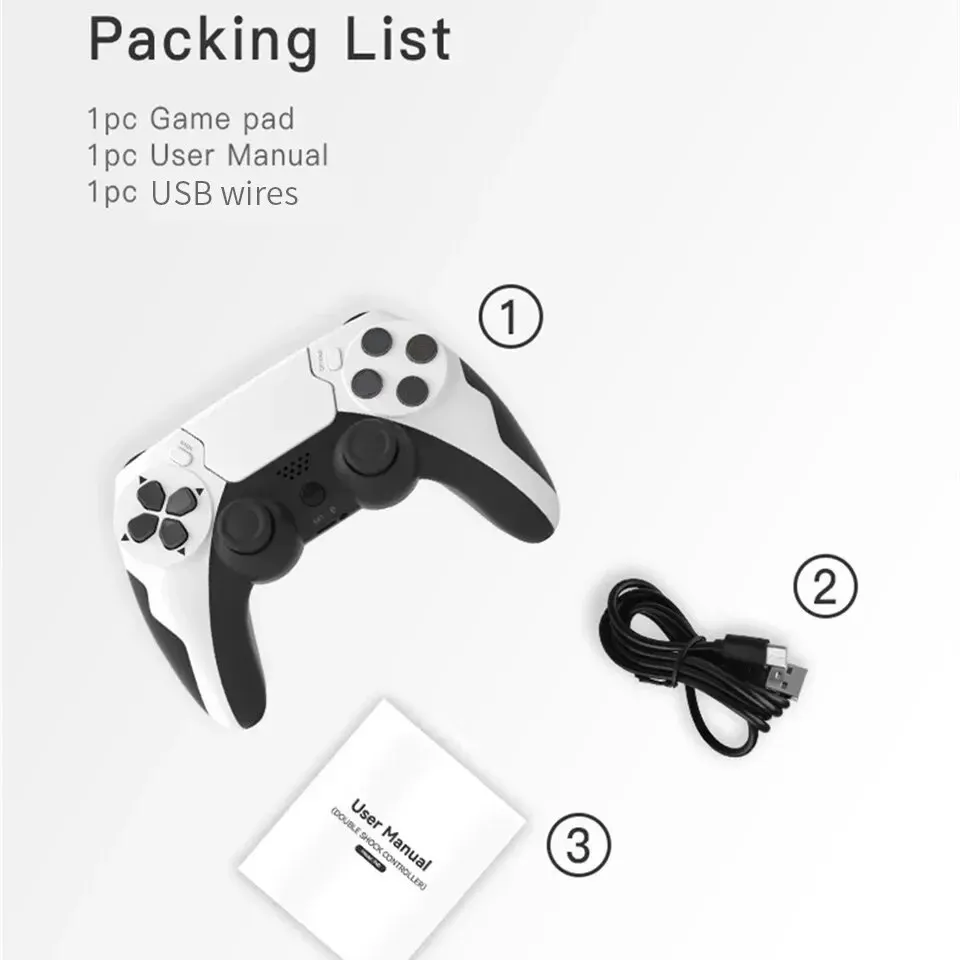
| Package contents | 1 P48 game controller, 1 charging cable and 1 user manual, as listed by the supplier |
| Origin | China |
Compatibility Tip
The supplier explicitly states that phones and Windows 11 are not supported. PS5, Xbox and Nintendo Switch compatibility is not listed. Confirm your platform, game requirements and pairing method before ordering. Do not assume every feature works on every supported platform.
Getting Started
For PS4, the supplier instructs connecting the controller to the console with a USB data cable for initial pairing, then pressing the PS button before disconnecting for wireless use. A charging cable is listed in the box, but its data capability is not confirmed.
For a compatible PC, the supplier instructs holding SHARE + PS until the indicator flashes, then selecting the wireless controller in Bluetooth pairing. Check the included manual for platform-specific instructions, including PS3 setup.
Gaming Setup
Use it with a compatible console or PC for solo play or supported local multiplayer games. Multiplayer requires a compatible game and enough controllers; this listing includes one controller.
Listing Details
This is a third-party controller, not represented as an official Sony controller. The supplier lists CE, but no supporting report is supplied here; certification and chemical-safety assurances are not independently verified. Zero-lag, interference-free, customizable-trigger and physically twistable-handle claims are not confirmed and are not promised.
Care
Follow the included charging and care instructions. Keep the controller dry, wipe with a soft dry cloth and do not twist the grips or open the battery housing. Stop using or charging a damaged controller.
Customer Reviews
See the customer review section, when available, for shopper feedback. No ratings or testimonials are claimed here.
Ready for Your Next Game?
Choose your preferred option and confirm platform compatibility before adding this P48 controller to your setup.
Original Product Images
Supplier graphics are retained for reference; use the compatibility limitations and qualified specifications above when choosing.