FLIPSTYLEZLLC
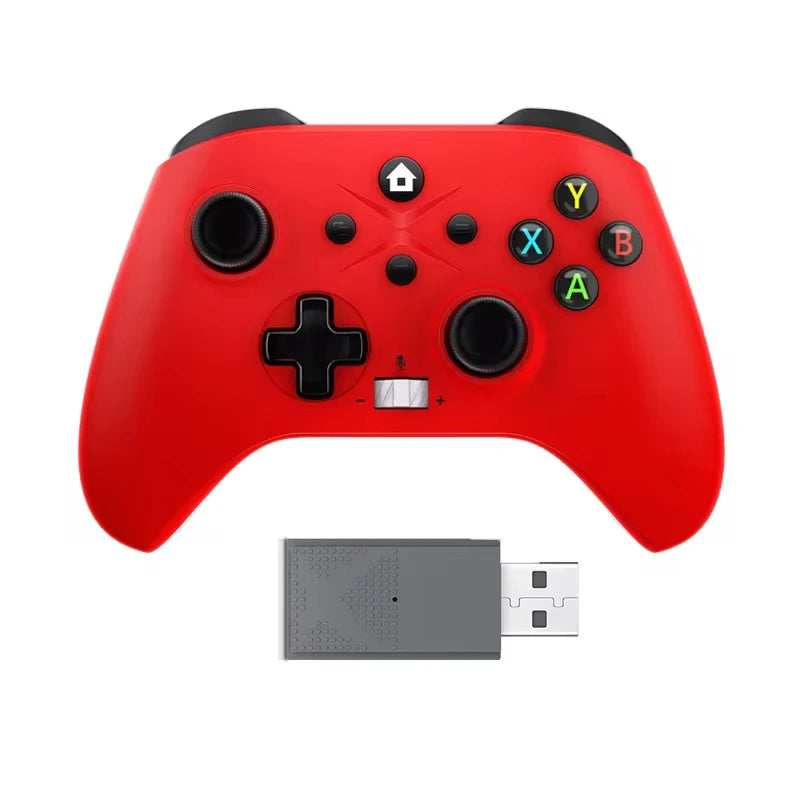
Game Controller For Xbox One Series X/S/PC Controle Xbox One Wireless Gamepad 6 Axis Gyro Dual Vibra Turbo Consoles Joystick
Game Controller For Xbox One Series X/S/PC Controle Xbox One Wireless Gamepad 6 Axis Gyro Dual Vibra Turbo Consoles Joystick
Couldn't load pickup availability
SPECIFICATIONS
2.4G Gamepad: Game Controller
Battery Included: Yes
Brand Name: bonacell
Certification: CE
Choice: yes
Compatible Brand/Model: None
Compatible Platform: xbox,PC,steam
Dual Vibra: Six Axis
Hall Effect: Yes
High-concerned chemical: None
Interface Type: 2.4G
Model Number: 1022
Origin: Mainland China
Package: Yes
Trigger Button Type: Hall-Linear
Type: Gamepads
semi_Choice: yes
Note: If you encounter incompatibility when connecting to X-box, please contact the merchant in time. The merchant will send you an upgrade package within 24 hours. Please do not file a dispute. Thank you for your understanding
The sales volume exceeds1,000orders in a week, and the number of visitors exceeds50,000.The store manager recommends items

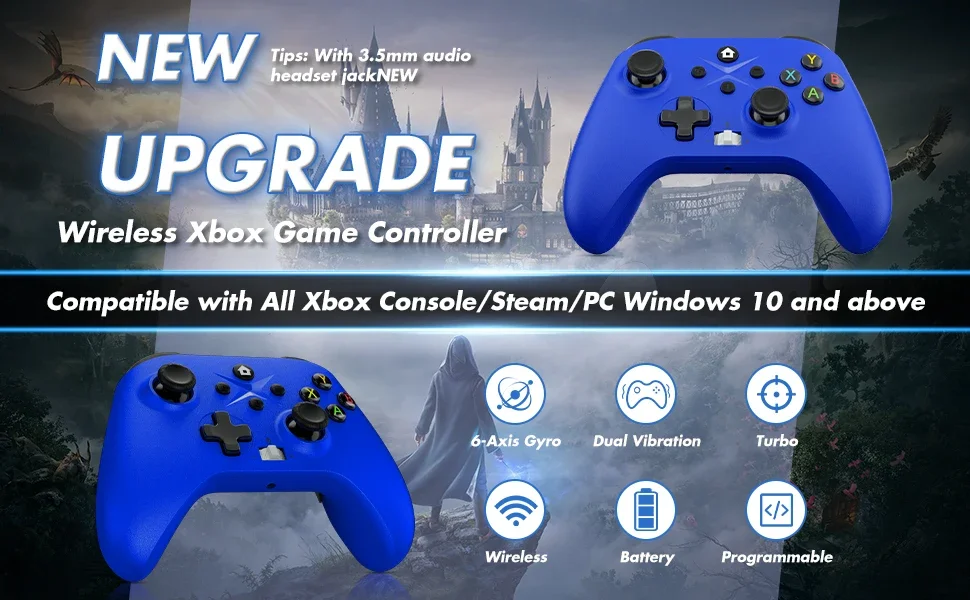
2.4 G Wireless Game Controller For XBOX ONE ,XBOX SERIS S,X PC
Specification
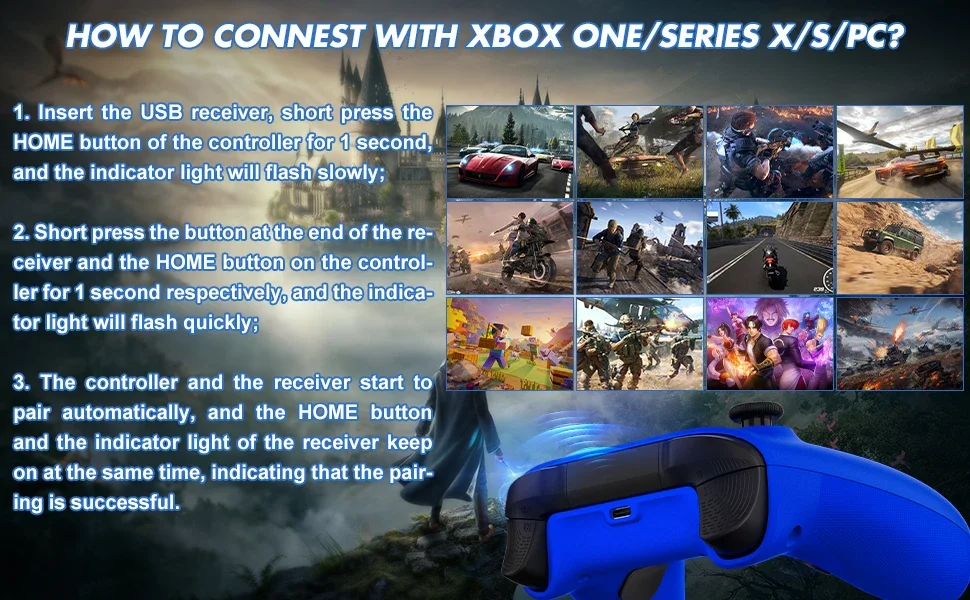
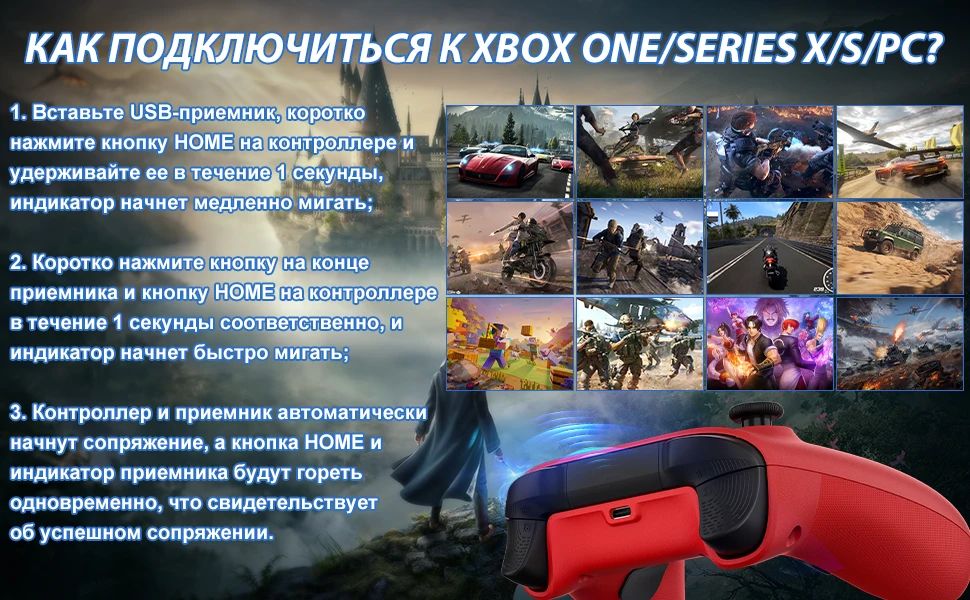
A new version of the 2.4G wireless handle,and wired connections are also possible,Can be connected wirelessly with PC computer (Windows10 and above )
Features
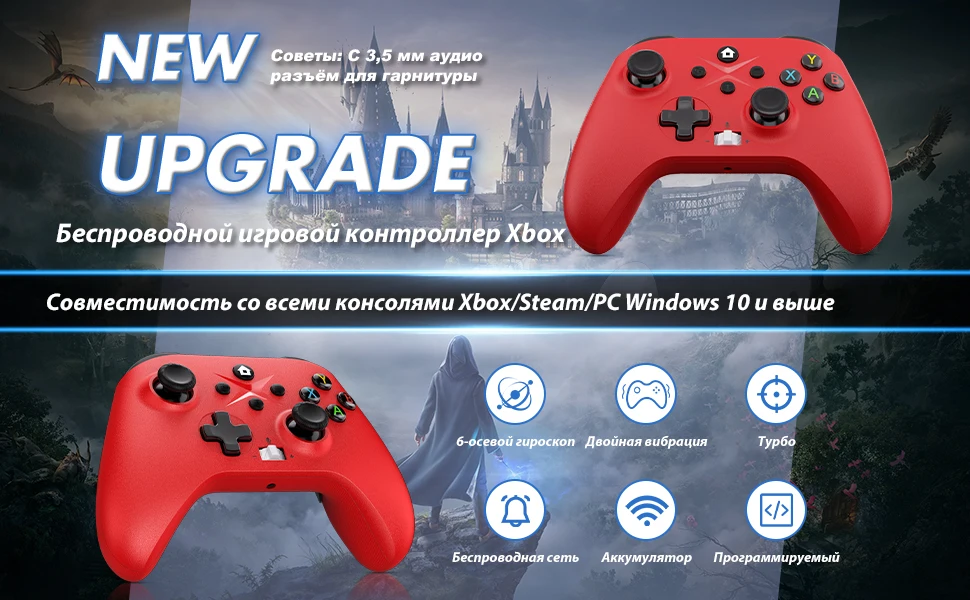
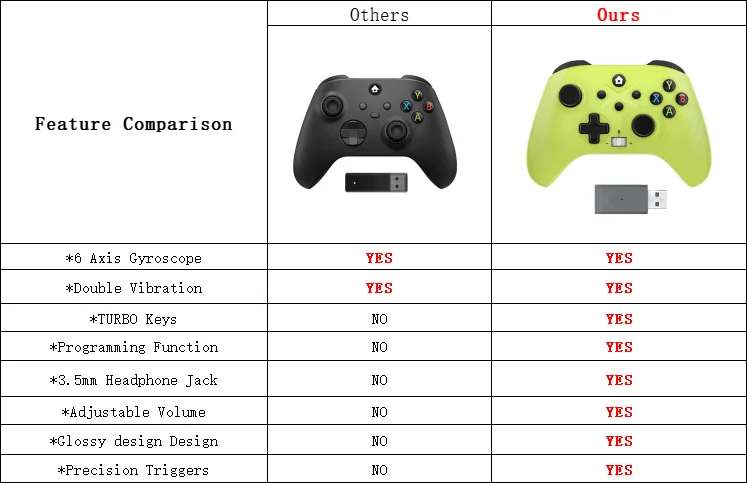
*6 axis gyroscope
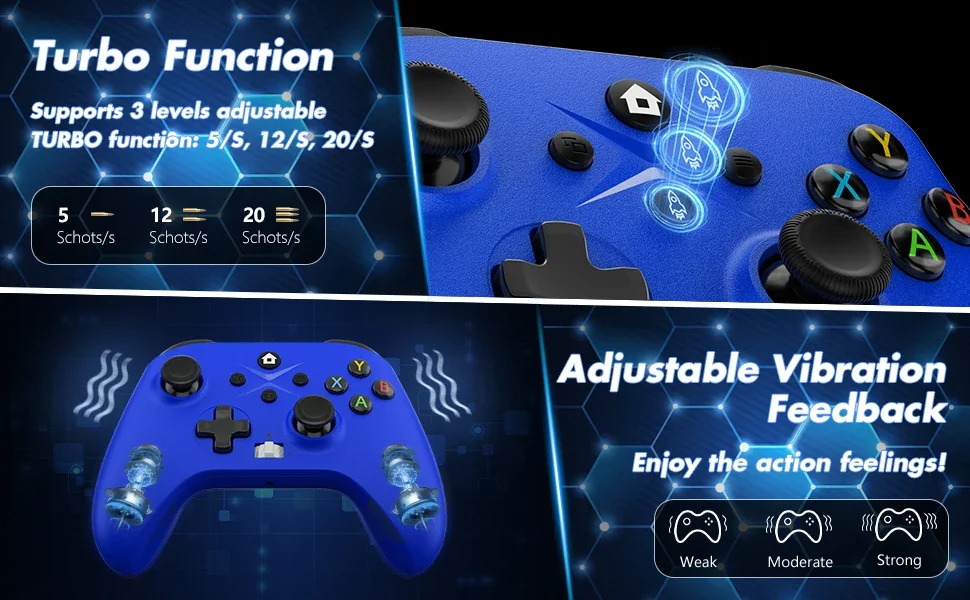
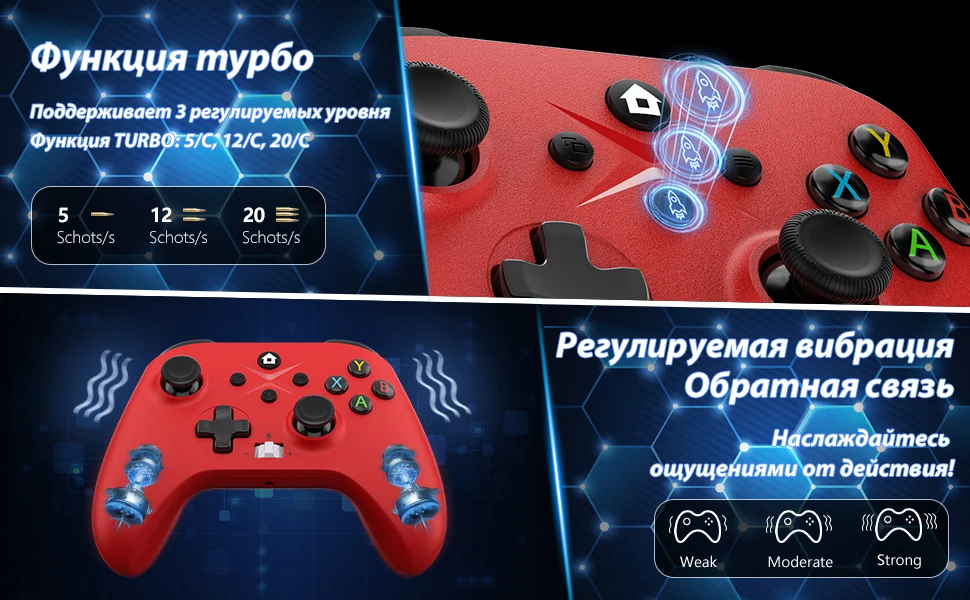
*Double Vibration
*TURBO Keys
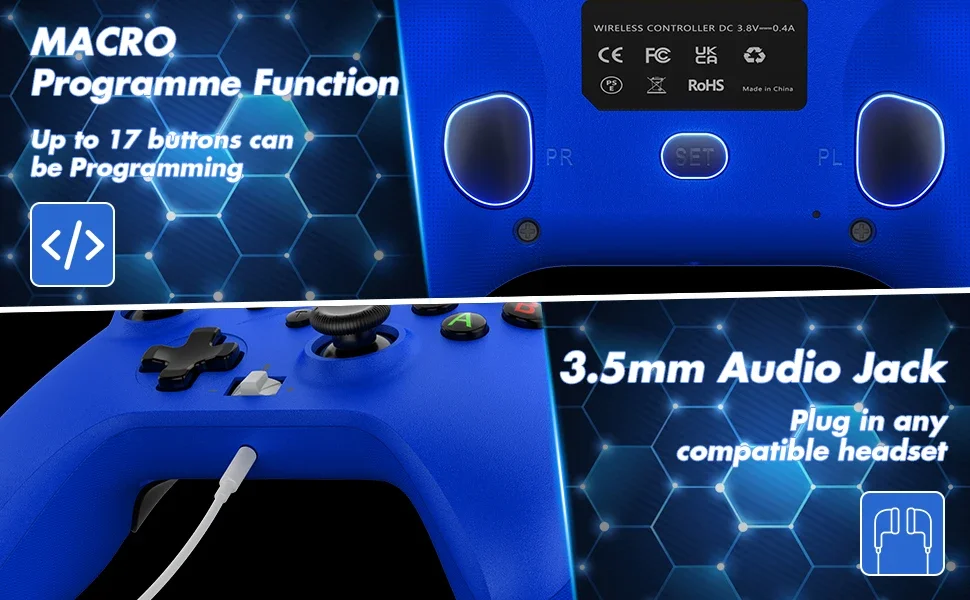
*Programming Function
*3.5mm Headphone Jack
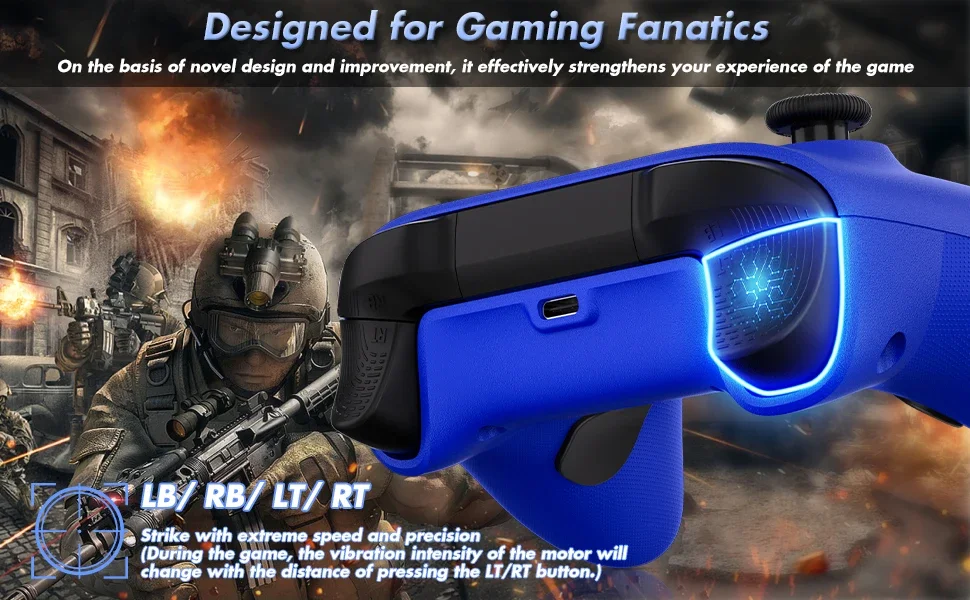
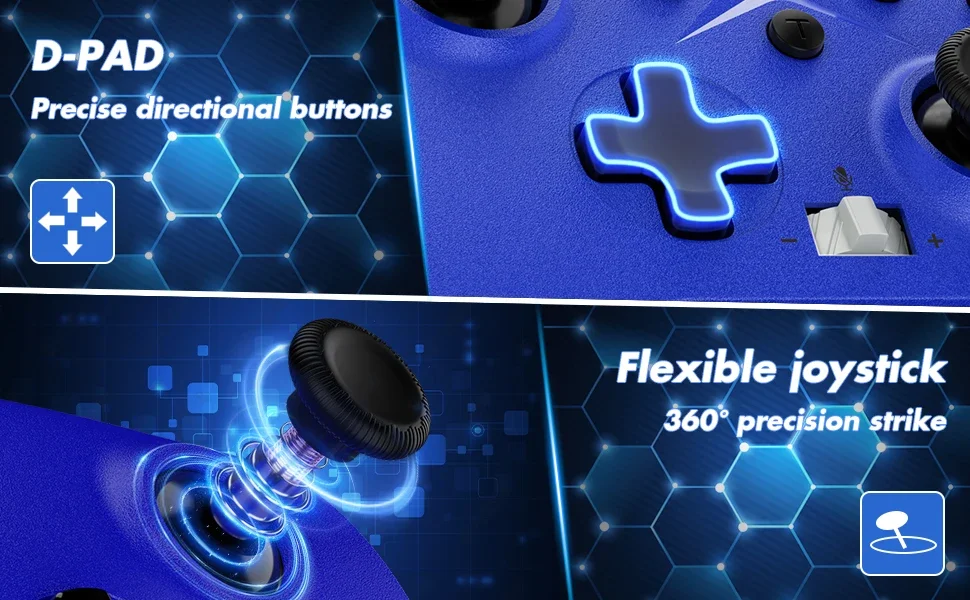
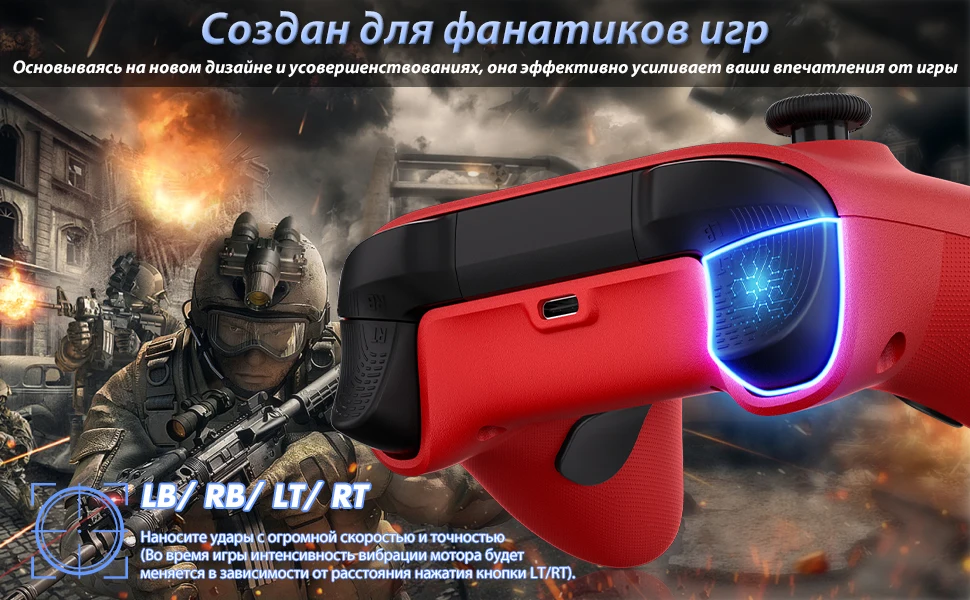
*Anti-slip ergonomic design
*Precision Triggers
*Button effective distance: 10M
*Sound effective distance: 6M
The product has a built-in rechargeable battery, no need to replace it, and it can last for about 11 hours after a single charge.
Wireless Gamepad ×1
USB Dongle ×1
Use Manual
Warranty Card ×1
Type-C Cable X1


Shipping Question
1.If it is quality problem, buyer can submit argue within 15 days after receiving the goods, the buyer pls provide about the question information: such as photos or video and other evidence to seller for identify. thank.
2.Product quality processing program:
(1) if the item bad or broken,we will full return or part return . (the liar excluede)
(2) if your need want kown the order transport ,
pls use :Aliexpress standard order : https://global.cainiao.com
Other shipping methods : https://www.17track.net/en