


FLIPSTYLEZLLC
AI Voice Recorder with Auto Transcription Translate Summarize & Mindmap Phone Call Recording for Lectures, Meetings & Interviews
AI Voice Recorder with Auto Transcription Translate Summarize & Mindmap Phone Call Recording for Lectures, Meetings & Interviews
Couldn't load pickup availability
SPECIFICATIONS
Balanced Out: Yes
Brand Name: FoCase Rec
Certification: CE,FCC,RoHS,weee
Dimensions (WxHxD): 62*62*7 mm / 2.44*2.44*0.27 in
External Memory: No
External Microphone: No
Form-factor: Others
High-concerned chemical: none
Material: others
Memory: 64GB
Model Number: CR1
Origin: Mainland China
Package: Yes
Playback Formats: WAV
Record Audio Format: WAV
Voice Activated Recording: Yes
With Speakers: No
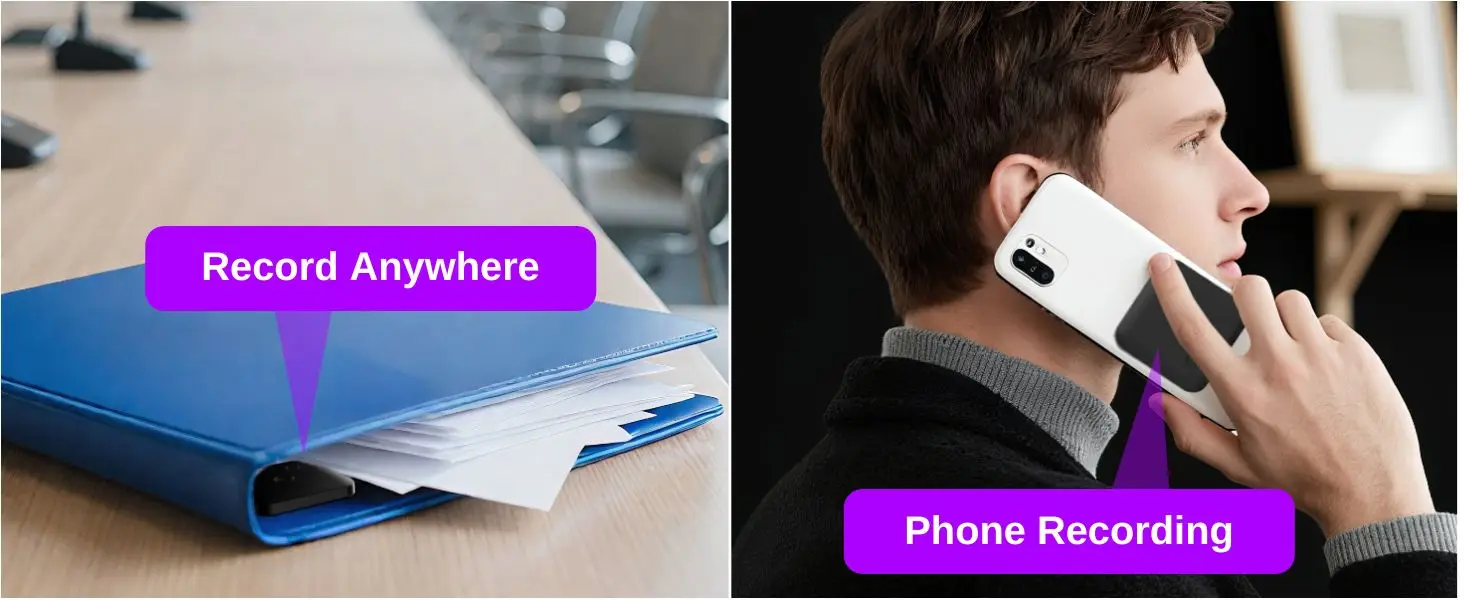
1. Ultra-Slim Magnetic Mini Recorder: Thin at just 0.24 inches, measuring 2.47" x 2.47". This pocket-sized recorder slips easily into a wallet or pocket. The built-in magnetic ring lets it attach to phones, desks, or metal surfaces for hands-free recording.

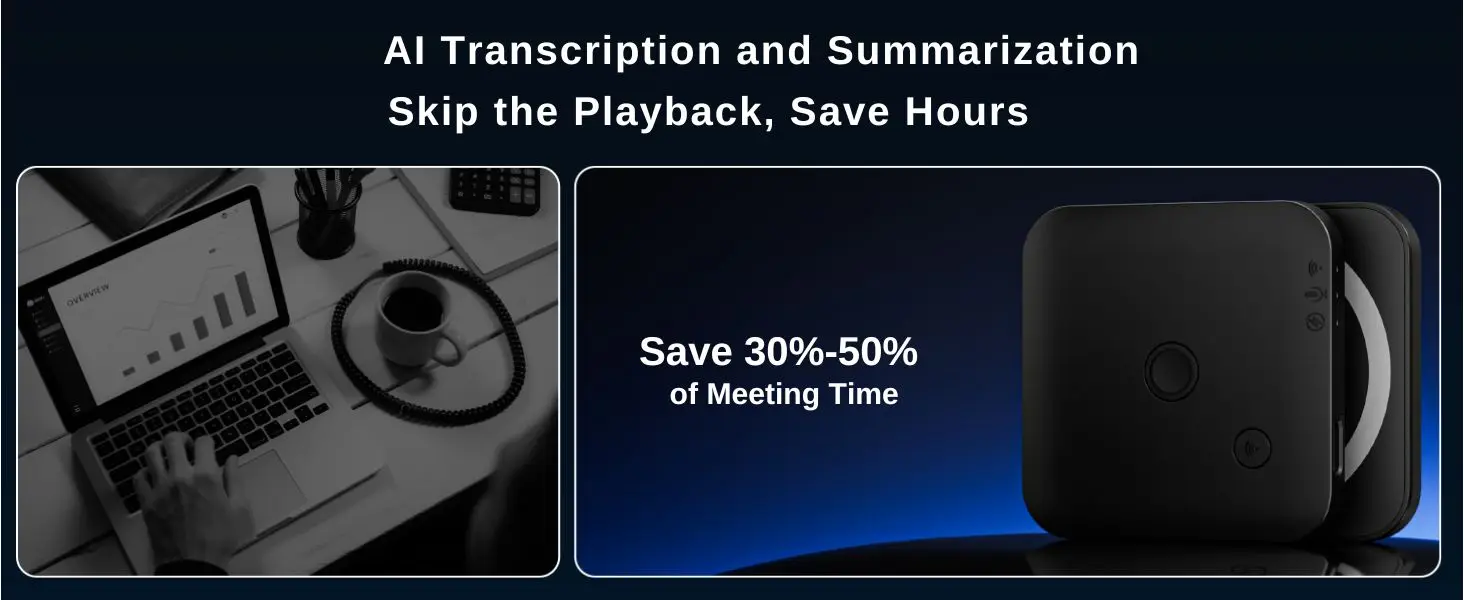
2. Save hours with AI Transcription & Summaries: Converts hours of audio into accurate text, concise summaries, and organized mind maps. Includes a massive 1800 free minutes of AI processing every month is more than enough for the average user.
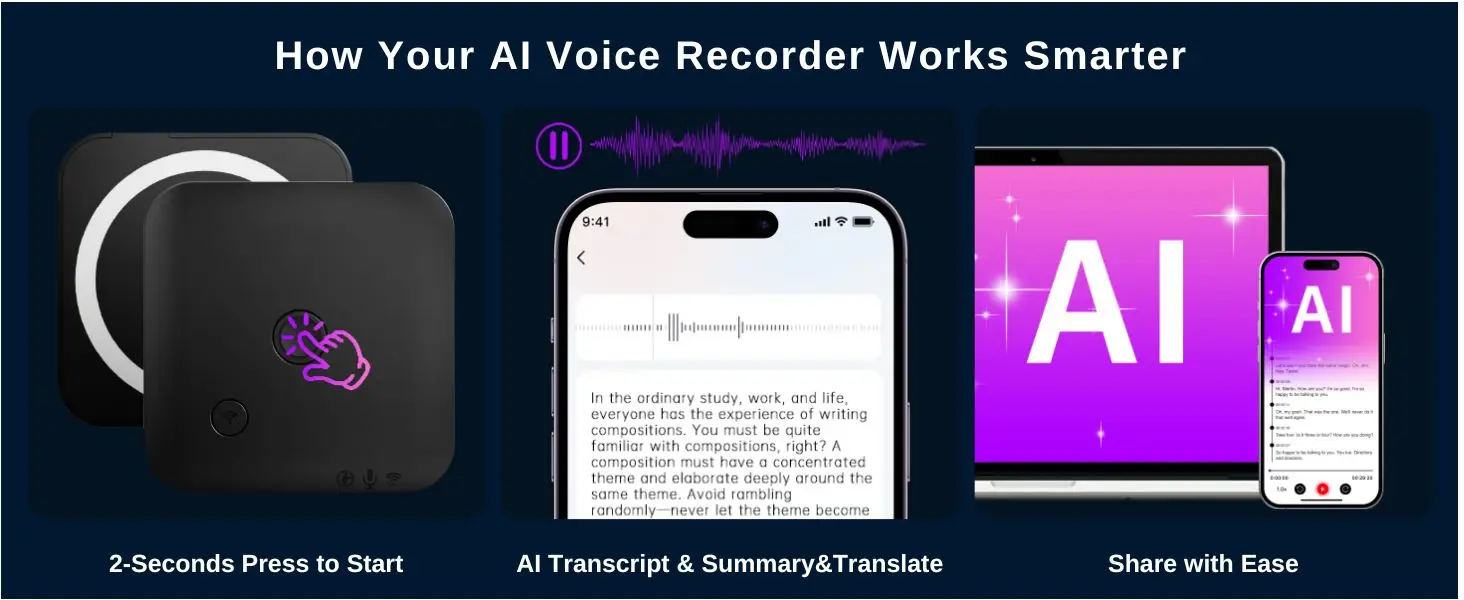
3. Storage & Voice Activated Recording: This recorder features a huge built-in storage, Voice activated recording (VOR) automatically pause during silent periods to conserve storage and battery
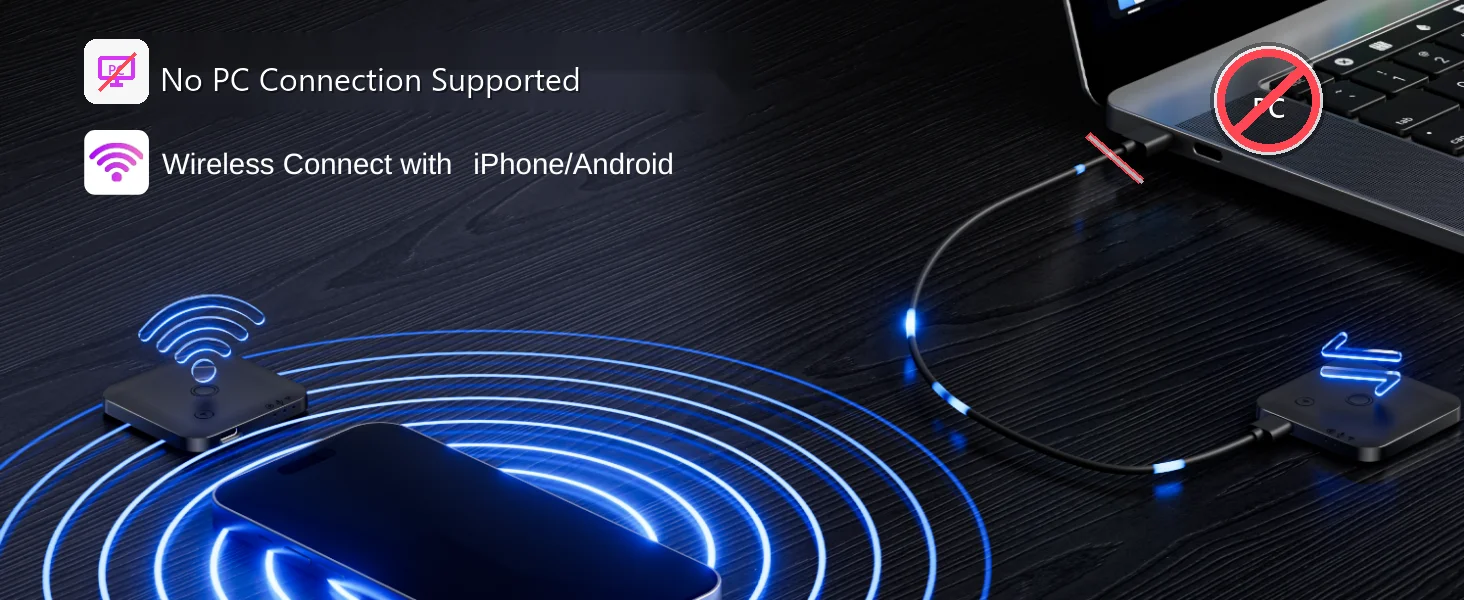
4. File Management with the FoCase App: Manage all your recordings in the FoCase app via a wireless Bluetooth connection. To protect the security of your recording data, direct file transfer to a PC/Mac is no longer supported. All files are transferred and managed through the FoCase app.
5. Privacy-Focused Local Storage: No cloud uploads, your audio stays securely on the recorder and your phone. And with built-in password protection in the app, your recordings are locked down tight.
6. 3-Year Warranty: Backed by 3-year warranty for reliable, worry-free use.
7. How to use the voice-activated recording function: First, connect the recorder to the FOCASE REC APP on your phone via Bluetooth. Then, enable the "Voice Activated Start" button in the left-side menu bar of the APP. Long press the middle button on the recorder for 2 seconds. At this point, the recorder's recording function will be activated, and when the recorder detects sound, it will begin recording. Long press the middle button on the recorder again for 2 seconds to end and save the recording. (Please note that during the recording process, the recorder will not record silence, thereby saving battery and the recorder's storage space).


