FLIPSTYLEZLLC
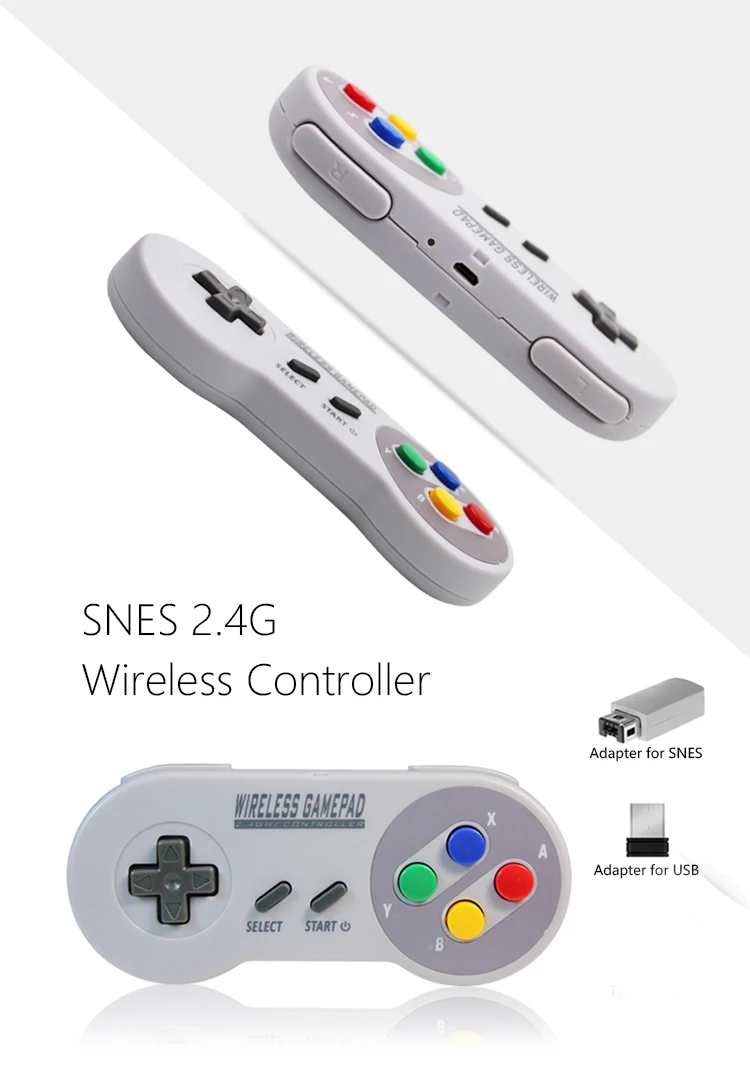
2 Reciever Wireless Colorful Button 2.4G Game Controller Joypad Joystick ByBluetooth for SNES Super Classic MINI Gamepad for PC
2 Reciever Wireless Colorful Button 2.4G Game Controller Joypad Joystick ByBluetooth for SNES Super Classic MINI Gamepad for PC
Couldn't load pickup availability
SPECIFICATIONS
Accessories Type: Controller Adapter
Brand Name: ZHNFNGYIYOUO
Choice: yes
Compatible Brand/Model: Nintendo
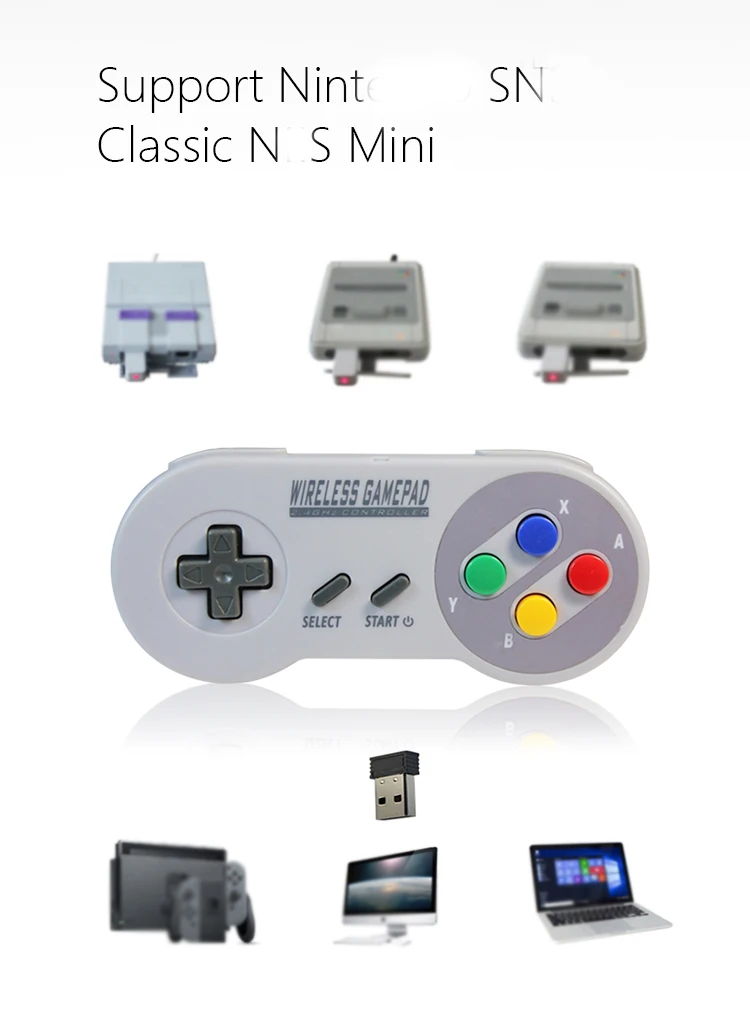
Compatible Nintendo Model: Nintendo Switch,Nintendo Switch OLED,Nintendo Switch Lite,SNES Classic
Electric: Yes
High-concerned chemical: None
Origin: Mainland China
With USB: yes
Features:
1. Micro-USB Charging port and Blue-Red LED indicate
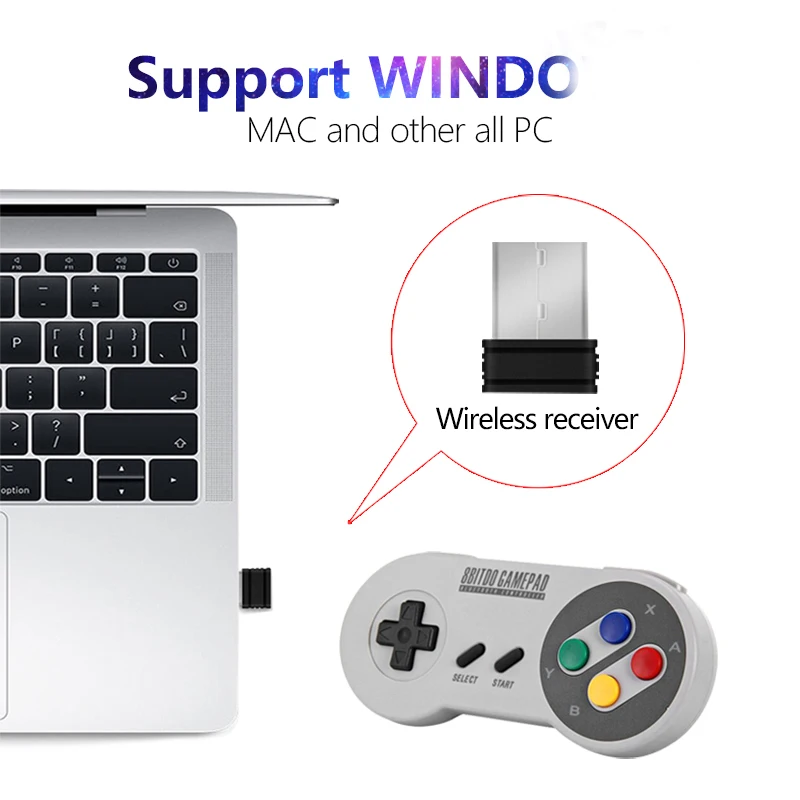
2.Compatible with Game console and WinXP/Vista/for Windows 7/for Windows 8/ for Windows 10
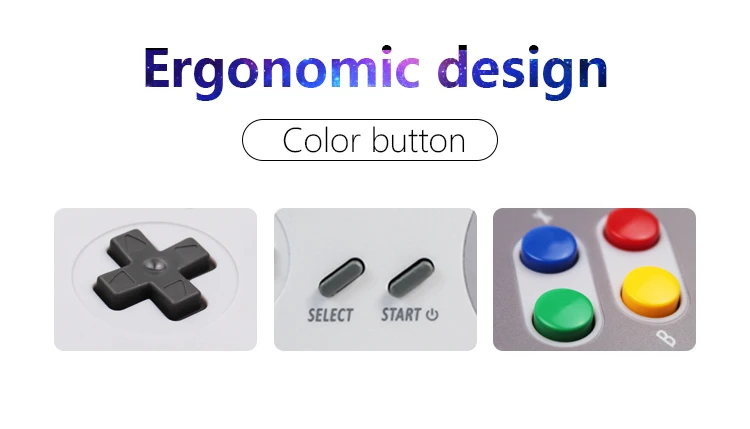
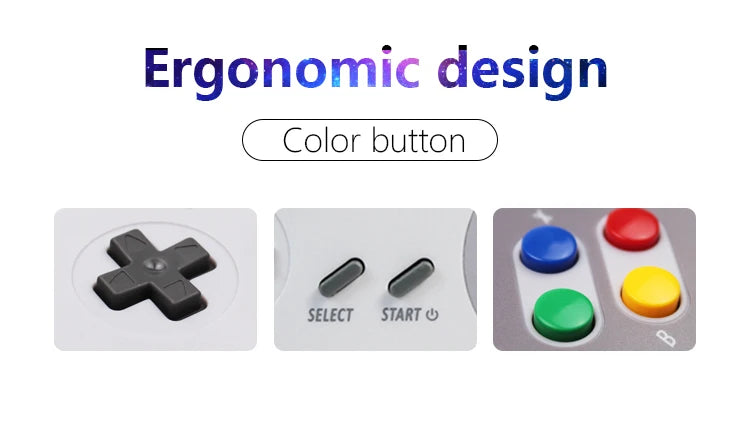
3.The buttons are designed to fit your hands, easy to get ultimate skill out
4.Compatible with all for Mac Operating Systems
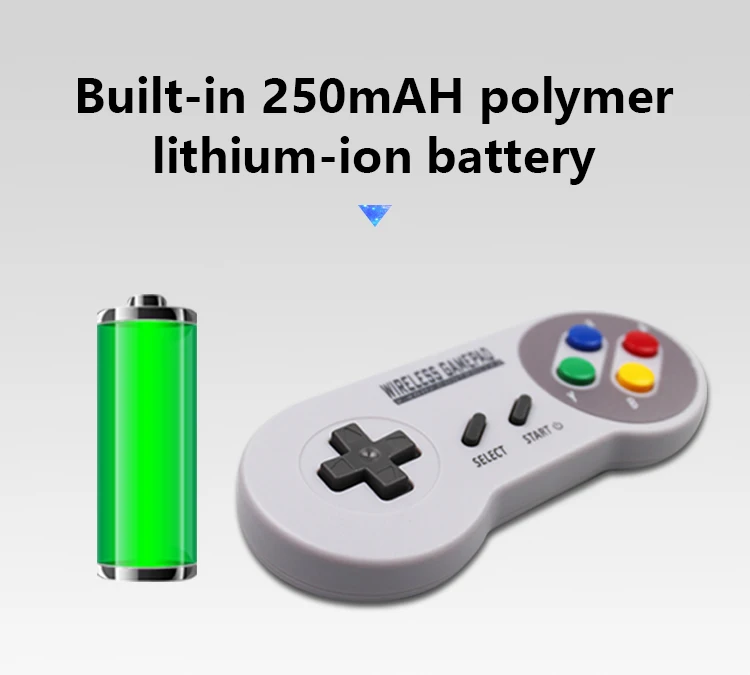
5.Build-in 250mAH polymer lithium-ion battery
How to Connect ?
1. Insert the right adapter into game console, or USB Device
2. Press START button on controller, the red LED will light, which means they are connected
3. Wait for 5 seconds, Controller will enter into the standby mode
4. Red LED will off and the adapter LED will flash,Pressing any button can wake up the Controller
5. Controller will enter into sleep mode if there's no actions for 10 minis
6. RESET Key=Press the START SELECTAT the same time return to Main menu
Packing include:
1X USB PC Controller
1x Adapter for NES/SNES game system
1x Adapter for USB PC,Android,window Games
1x USB Charging cable
1x Color Box
Note: if you want to connect windows XP, the way is below:
uninstalled the Xbox 360 controller driver that was installed earlier. After that, you need to remove the device in the task manager and restart the computer. Next, you need to insert the transmitter and SNES controller will determine itself.